Bug tracking in 2026
Software moves fast, and shipping broken code is the quickest way to lose users. Tracking bugs isn't just about making a list; it's about how fast your team can move from discovery to a deployed fix without losing focus.
Traditionally, bug tracking was handled by dedicated tools. However, we’re seeing a trend toward integrated project management platforms attempting to encompass bug tracking features. This blurring of lines creates a more holistic view of the development process, but also introduces complexities when choosing the right tool. The "best" solution isn't universal – it heavily depends on your team’s size, workflow, and specific needs.
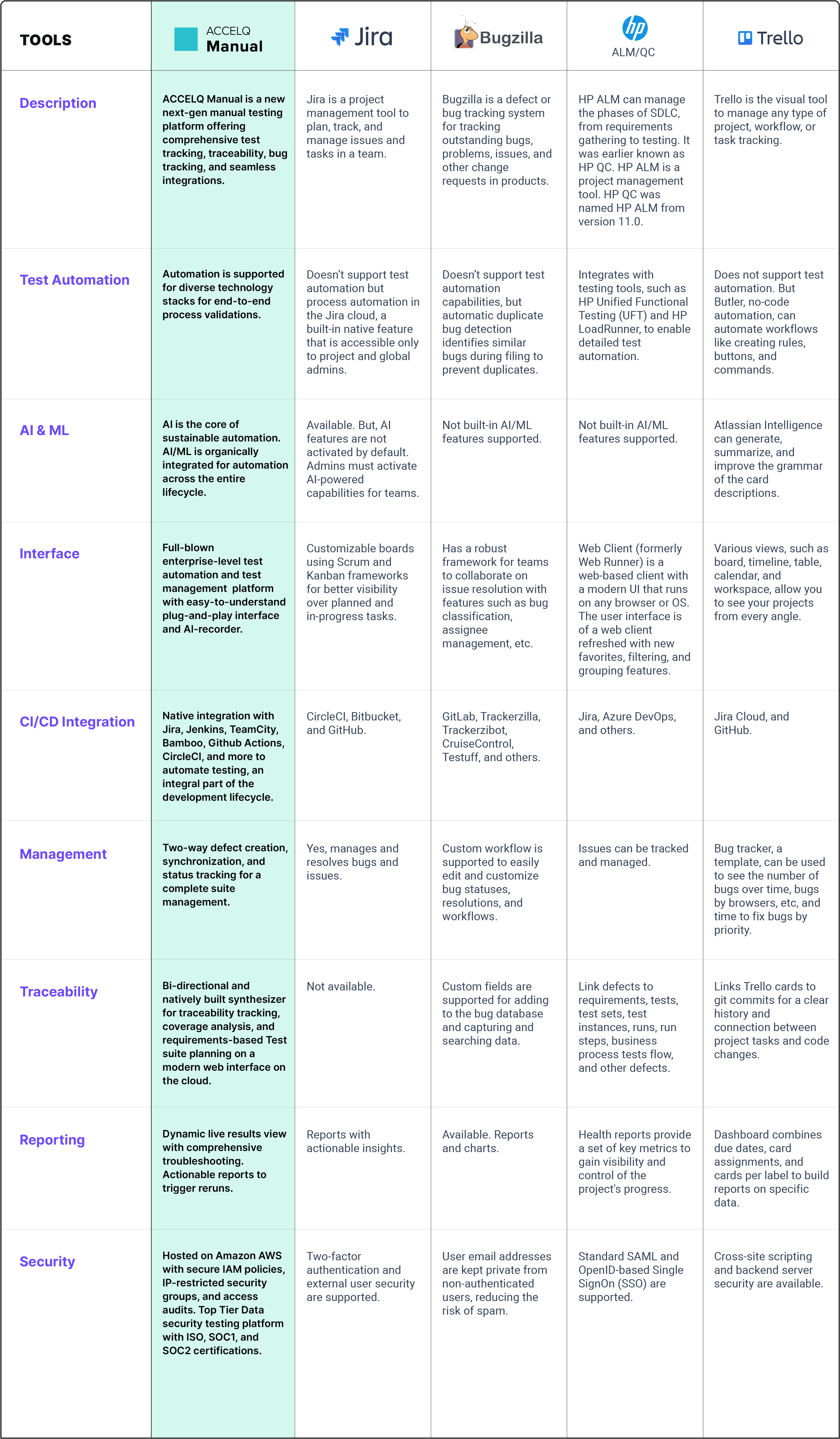
Linear, Jira, and Asana are the three heavy hitters right now. They each handle bugs differently—some treat them as a specialized workflow, while others see them as just another task on a board. Choosing between them depends on whether you want a dedicated engine or a general-purpose tool.
Linear: built for speed
Linear distinguishes itself with a laser focus on speed and simplicity. It’s designed to be a highly efficient issue tracker, prioritizing a smooth, keyboard-centric user experience. Unlike some of its more feature-rich competitors, Linear deliberately minimizes complexity, offering a streamlined interface that encourages focused work.
This minimalist approach is a major benefit for smaller, fast-moving teams who value agility. Developers can quickly create, assign, and update issues without getting bogged down in unnecessary details. However, this simplicity can also be a drawback for teams that require extensive customization or complex workflows. It’s a tool that asks you to adapt to its way of doing things, rather than the other way around.
Linear integrates well with popular developer tools like GitHub, GitLab, and Slack, allowing for seamless collaboration and automated updates. It’s become particularly popular with startups and early-stage companies who prioritize rapid iteration and efficient issue resolution. You'll find many developers praising its focus on core issue tracking functionality.
While it doesn’t attempt to be a full-fledged project management suite, Linear excels at what it does: helping teams quickly and efficiently manage their development workload. If you’re looking for a tool that prioritizes speed and simplicity, Linear is definitely worth considering. It’s a refreshing alternative to the often-bloated feature sets of larger platforms.
Jira: the enterprise heavyweight
Jira is the dominant player in the bug tracking and project management space, particularly within larger organizations. It's a powerful and highly customizable platform capable of handling incredibly complex workflows. Jira isn’t just a bug tracker; it’s a comprehensive solution that can be adapted to a wide range of use cases, from agile software development to IT service management.
Its extensive feature set includes customizable issue types, detailed reporting, advanced search capabilities, and robust permission controls. Jira integrates seamlessly with other Atlassian products like Confluence and Bitbucket, creating a cohesive development ecosystem. There’s a vast marketplace of add-ons and integrations available, further extending its functionality.
However, Jira’s power comes with a learning curve. It can be overwhelming for smaller teams or individuals who don’t need its full range of features. Setting up and configuring Jira can be time-consuming, and its complex interface can sometimes feel clunky. It’s a tool that requires dedicated administration and training to get the most out of it.
Despite its complexity, Jira remains the industry standard for many enterprises. Its scalability, customizability, and robust feature set make it a suitable choice for organizations with complex regulatory requirements or large, distributed teams. It’s a decisive tool for managing anything from a simple bug fix to a massive software release. Jira Cloud offers flexible pricing, but self-hosted options are also available.
Asana: Project Focus with Bug Tracking
Asana is primarily a project management tool, but it also offers robust bug tracking capabilities. It’s designed to help teams organize, track, and manage their work, with a strong emphasis on collaboration and visualization. Asana excels at task management, allowing teams to break down projects into manageable steps and assign them to individual members.
Unlike Linear and Jira, Asana approaches bug tracking as one component of a larger project. It utilizes Kanban boards, timelines, and calendars to provide a holistic view of the development process. This makes it a good choice for teams who need to see how bugs fit into the overall project schedule and priorities.
Asana’s strengths lie in its user-friendly interface and collaborative features. It’s easy to learn and use, even for non-technical team members. However, its bug tracking functionality is not as comprehensive as that of Linear or Jira. It may lack some of the advanced features required by dedicated development teams.
Asana is well-suited for teams where bugs are just one part of a larger project, such as marketing campaigns or product launches. If you need a project management tool that includes bug tracking, Asana is a strong contender. It's a great option for teams who want to maintain a clear overview of all their work.
The reality of integrations
The ability to integrate bug tracking tools with other parts of your development workflow is crucial. Linear integrates well with GitHub, GitLab, and Slack, providing automated updates and streamlined communication. Jira boasts the widest range of integrations, connecting with everything from Confluence and Bitbucket to numerous third-party applications.
Asana also offers integrations with popular tools like Slack, Google Workspace, and Microsoft Teams. However, native integrations are not always available, and you may need to rely on third-party tools like Zapier or Make to connect these systems. These tools can help bridge the gap, but often introduce additional complexity and potential points of failure.
Integrations are rarely perfect. A 'native' connection might only sync titles while ignoring comments or attachments. I recommend testing the specific sync logic for your most-used apps—like Slack or GitHub—before committing your entire workflow to one platform.
A common pain point is data synchronization. Ensuring that information is consistent across all your tools can be challenging. Delays or errors in synchronization can lead to confusion and wasted time. Thorough testing and monitoring are essential to maintain data integrity.
- Zapier connects thousands of apps through simple triggers.
- Make (formerly Integromat): Another automation platform with a visual interface.
- Unito: Specifically designed for syncing work across different project management tools.
Linear, Jira, and Asana: Integration Capabilities Comparison (as of late 2026)
| Tool | GitHub | GitLab | Slack | CI/CD Pipelines |
|---|---|---|---|---|
| Linear | Via Integration | Via Integration | Native | Via Integration |
| Jira | Native | Via Integration | Native | Via Integration |
| Asana | Via Integration | Via Integration | Native | Limited/None |
Qualitative comparison based on the article research brief. Confirm current product details in the official docs before making implementation choices.
Cost Considerations: What Will it Take?
Pricing models vary significantly between these tools. Linear offers a straightforward per-user pricing structure, making it easy to predict costs. Jira’s pricing is more complex, with different tiers for cloud and server deployments, as well as options for different levels of support.
Asana also has tiered pricing, with free plans available for basic use. However, these free tiers often have limitations on the number of users or features. For larger teams with more complex needs, you’ll likely need to upgrade to a paid plan.
Jira tends to be the most expensive option, especially for larger organizations. Its comprehensive feature set and scalability come at a premium. Asana and Linear generally offer more affordable options, particularly for smaller teams. Don’t forget to factor in the cost of any necessary integrations or add-ons.
While specific pricing can change, it's important to get a clear understanding of the total cost of ownership before making a decision. Consider not only the subscription fees but also the cost of training, administration, and potential integration expenses.
- Linear starts at $8 per user monthly.
- Jira: Cloud plans start around $8.15 per user per month, but can increase significantly with more features.
- Asana: Offers a free plan for up to 15 users, paid plans start around $10.99 per user per month.
Boost Your Workflow: Essential Gear for Seamless Bug Tracking

Ultra-fast scrolling for efficient navigation · Ergonomic design for comfortable use · 8K DPI sensor for precise tracking on any surface, including glass
This mouse offers unparalleled precision and comfort, making it ideal for long bug-tracking sessions.

Industry-leading noise cancellation with Auto NC Optimizer · Up to 30 hours of battery life for extended use · Crystal clear calls and voice control with Alexa
Immerse yourself in your work and block out distractions with these top-tier noise-canceling headphones.

Adjustable height for seamless sit-to-stand transitions · Spacious dual monitor and laptop workstation · Wide keyboard tray for comfortable typing
This desk converter promotes better ergonomics and flexibility, helping you stay energized while tackling bug reports.

Compact 75% layout saves desk space · Responsive mechanical switches for satisfying typing · Versatile connectivity with Bluetooth and USB-C
Experience a tactile and efficient typing experience that speeds up your bug reporting and issue resolution.
As an Amazon Associate I earn from qualifying purchases. Prices may vary.
Which one should you actually use?
Ultimately, the best bug tracking tool is the one that best fits your team’s size and workflow. If you're a 2-person startup focused on rapid iteration and a minimalist approach, Linear is a strong contender. Its speed and simplicity can help you move quickly without getting bogged down in unnecessary complexity.
For a large enterprise with complex regulatory requirements and a need for robust reporting, Jira is likely the better choice. Its scalability and customizability can handle even the most challenging workflows. Be prepared to invest time and resources in setting up and maintaining the system.
If you need a project management tool that includes bug tracking, and your bugs are just one part of a larger project, Asana might be a good fit. It’s a great option for teams who want a holistic view of all their work. However, don’t expect the same level of dedicated bug tracking functionality as Linear or Jira.
Consider your team’s technical expertise. Jira requires more technical knowledge to configure and administer, while Linear and Asana are generally more user-friendly. Choose a tool that your team will actually use and that will help them be more productive.
- Small, fast-moving teams: Linear
- Large enterprises with complex workflows: Jira
- Teams needing project management with integrated bug tracking: Asana

No comments yet. Be the first to share your thoughts!