Why AI debugging matters now
Debugging used to mean staring at a stack trace until your eyes crossed, then stepping through code line by line to find the one variable that went rogue. It was slow, tedious, and often felt like searching for a needle in a haystack while blindfolded. Today, that process is shifting. AI-powered debugging tools don't just flag errors; they analyze the context, suggest fixes, and often resolve issues before you even have to write the patch.
This shift from manual stepping to AI-assisted resolution is about speed and accuracy. Traditional static analysis tools are like spellcheckers—they catch typos and syntax errors but miss the logic flaws that break your app in production. AI debugging acts more like a senior developer sitting next to you, pointing out not just what is wrong, but why it happened and how to fix it. For 2026, this means less time fighting the compiler and more time building features.
We have selected five tools that represent the best of this new wave. They range from integrated IDE plugins to standalone agents that can autonomously debug your codebase. Each one offers a different approach to solving the same problem: getting your code from broken to working in record time.
5 Best AI-Powered Debugging Tools for 2026
Debugging shouldn't feel like a guessing game, especially in 2026. We’ve tested the leading AI-powered tools that actually pinpoint errors and suggest fixes, so you can ship code faster. Here are the five best options available right now.
1. GitHub Copilot Chat
GitHub Copilot Chat integrates directly into your IDE, allowing you to ask questions about your codebase or request fixes for specific errors. It acts as an intelligent pair programmer, understanding context from open files to suggest precise solutions. This tool streamlines the debugging process by providing immediate, context-aware feedback without leaving your development environment.
2. Amazon CodeWhisperer
Amazon CodeWhisperer offers secure, AI-driven code recommendations tailored to your specific coding patterns. It scans your code for vulnerabilities and suggests fixes, making it ideal for teams prioritizing security alongside speed. By learning from your existing codebase, it provides relevant snippets that help resolve bugs quickly while maintaining high standards of code quality and compliance.
3. Tabnine Business
Tabnine Business focuses on private, on-premise AI coding assistance, ensuring your sensitive code never leaves your infrastructure. It provides intelligent completions and debugging suggestions that adapt to your team's unique coding style. This tool is perfect for organizations requiring strict data privacy, offering robust AI capabilities without compromising on security or performance during the debugging phase.
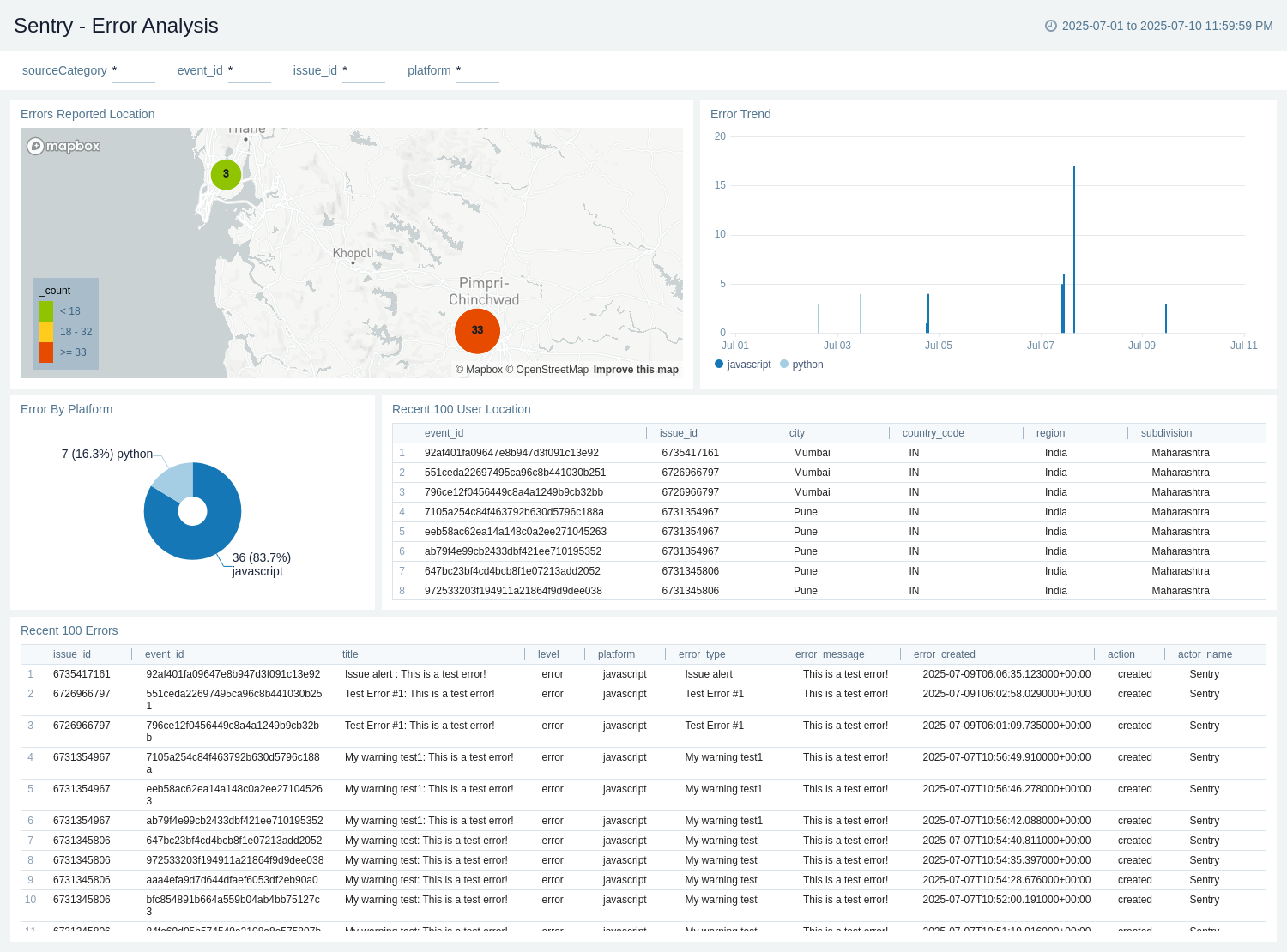
4. Sentry AI
Sentry AI transforms raw error logs into actionable debugging insights by analyzing stack traces and user context. It automatically correlates errors with recent code changes, helping developers pinpoint the root cause of issues faster. This tool reduces mean time to resolution by providing intelligent context and suggested fixes, making it an essential asset for maintaining application stability in production environments.

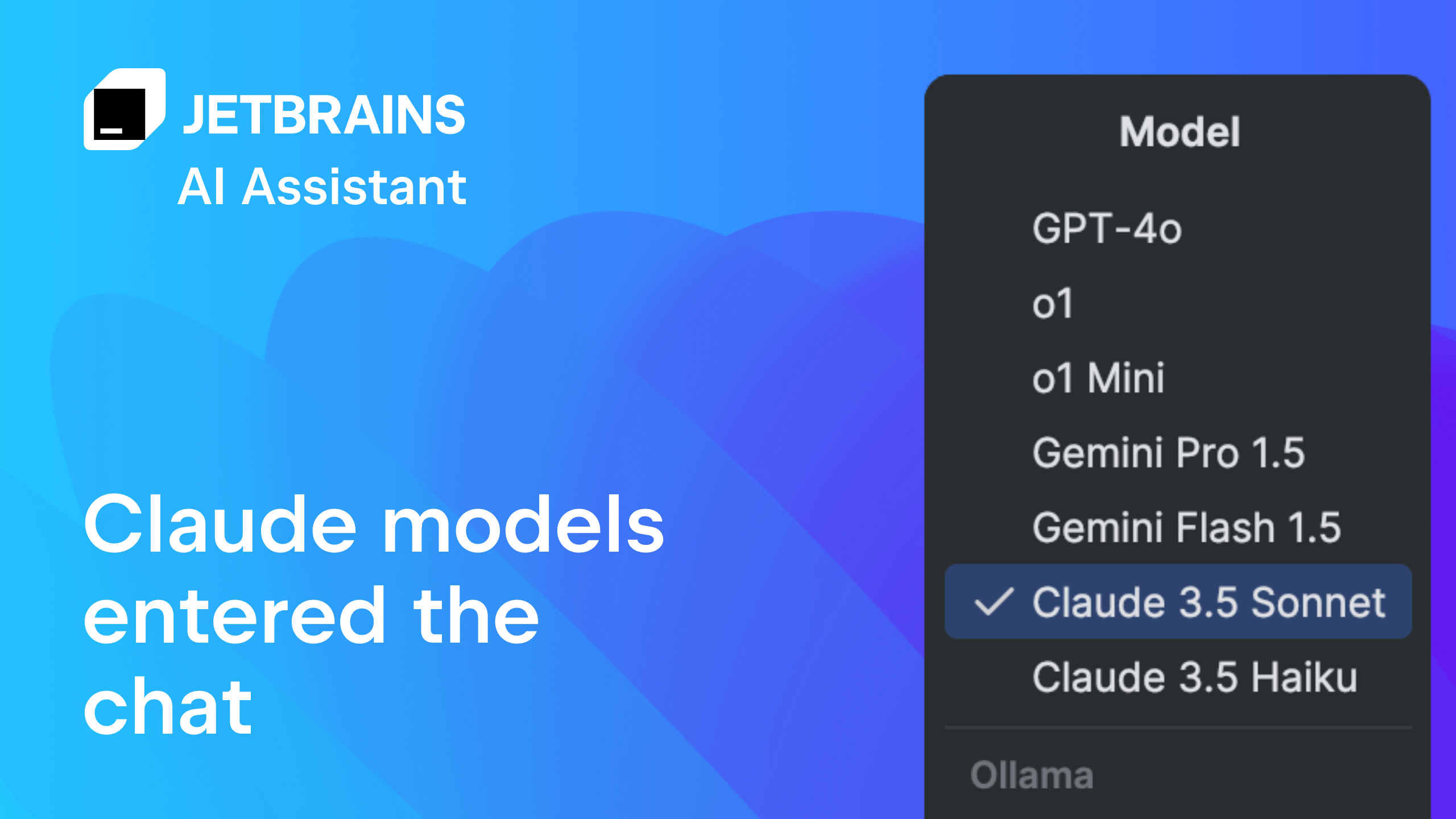
5. JetBrains AI Assistant
JetBrains AI Assistant is deeply integrated into the IntelliJ IDEA ecosystem, offering intelligent code generation and refactoring suggestions. It understands the nuances of your project structure, helping you debug complex issues by providing context-aware recommendations. This tool enhances developer productivity by streamlining routine tasks and offering precise solutions tailored to the specific framework or language you are using.
Compare AI debugging features
Picking the right AI-powered debugger often comes down to two things: does it live in your favorite editor, and how does it bill you? The table below breaks down the five top contenders by IDE compatibility and pricing model so you can spot the right fit at a glance.
| Tool | IDE Support | Pricing Model | Primary AI Feature |
|---|---|---|---|
| VS Code Copilot Debugger | VS Code | Freemium | Natural language error explanation |
| JetBrains AI Assistant | IntelliJ, PyCharm, WebStorm | Subscription add-on | Context-aware code fixes |
| Amazon CodeWhisperer | VS Code, JetBrains, AWS Cloud9 | Free for individuals | Real-time code suggestions |
| GitHub Copilot | VS Code, Neovim, Vim | Subscription | Autocomplete and chat |
| Replit AI Debugger | Replit IDE | Subscription | Automated bug detection |


As an Amazon Associate, we may earn from qualifying purchases.
Frequently asked: what to check next



As an Amazon Associate, we may earn from qualifying purchases.

No comments yet. Be the first to share your thoughts!