Choosing the Right IDE for Your Workflow
The best IDE for 2026 depends less on raw features and more on how well it handles AI-driven code reviews. Developers are increasingly shifting from manual editing to supervising AI agents, which changes the value proposition of different tools. JetBrains IntelliJ IDEA remains a top choice for its deep language understanding and robust autocomplete, making it a reliable base for complex projects. However, specialized AI coding agents like RooCode and Windsurf offer different strengths, with RooCode prioritizing reliability for large refactors and Windsurf offering a polished, integrated experience.
When selecting an IDE, consider the tradeoffs between standalone AI tools and integrated environments. Integrated solutions often provide smoother workflows but may lock you into specific ecosystems. Standalone AI agents can be more flexible but require more manual setup. For developers who value reliability and depth, JetBrains Junie is a promising option that is quickly catching up in features. Those who prefer command-line efficiency might lean toward Aider for serious refactors. The key is to match the tool to your specific coding style and project complexity.


As an Amazon Associate, we may earn from qualifying purchases.
Shortlist real options
Choosing an IDE for AI-driven code reviews requires balancing native AI integration with general development performance. The market has shifted from simple autocomplete to agents that understand codebase context. Below, we compare the strongest contenders across pricing, primary language support, and AI capabilities.
We focused on tools that either ship with built-in AI or integrate seamlessly with leading agents like Windsurf and GitHub Copilot. IntelliJ IDEA remains the heavy hitter for Java and enterprise stacks, while VS Code dominates the broader ecosystem due to its extension marketplace. For those specifically seeking AI-native workflows, tools like Windsurf and JetBrains Junie offer deeper contextual understanding than traditional editors.
IDE Comparison
| IDE | Primary Strength | AI Integration | Best For |
|---|---|---|---|
| IntelliJ IDEA | Java/Kotlin Ecosystem | JetBrains Junie (Native) | Enterprise Java, Large Codebases |
| VS Code | Extensibility | GitHub Copilot (Plugin) | Web Development, General Purpose |
| Windsurf | AI-Native Workflow | Codeium Auto (Native) | AI-First Refactoring |
| PyCharm | Python/Data Science | JetBrains Junie (Native) | Data Engineering, ML Pipelines |
| Xcode | Apple Ecosystem | Xcode Agents (Native) | iOS/macOS Development |
IntelliJ IDEA
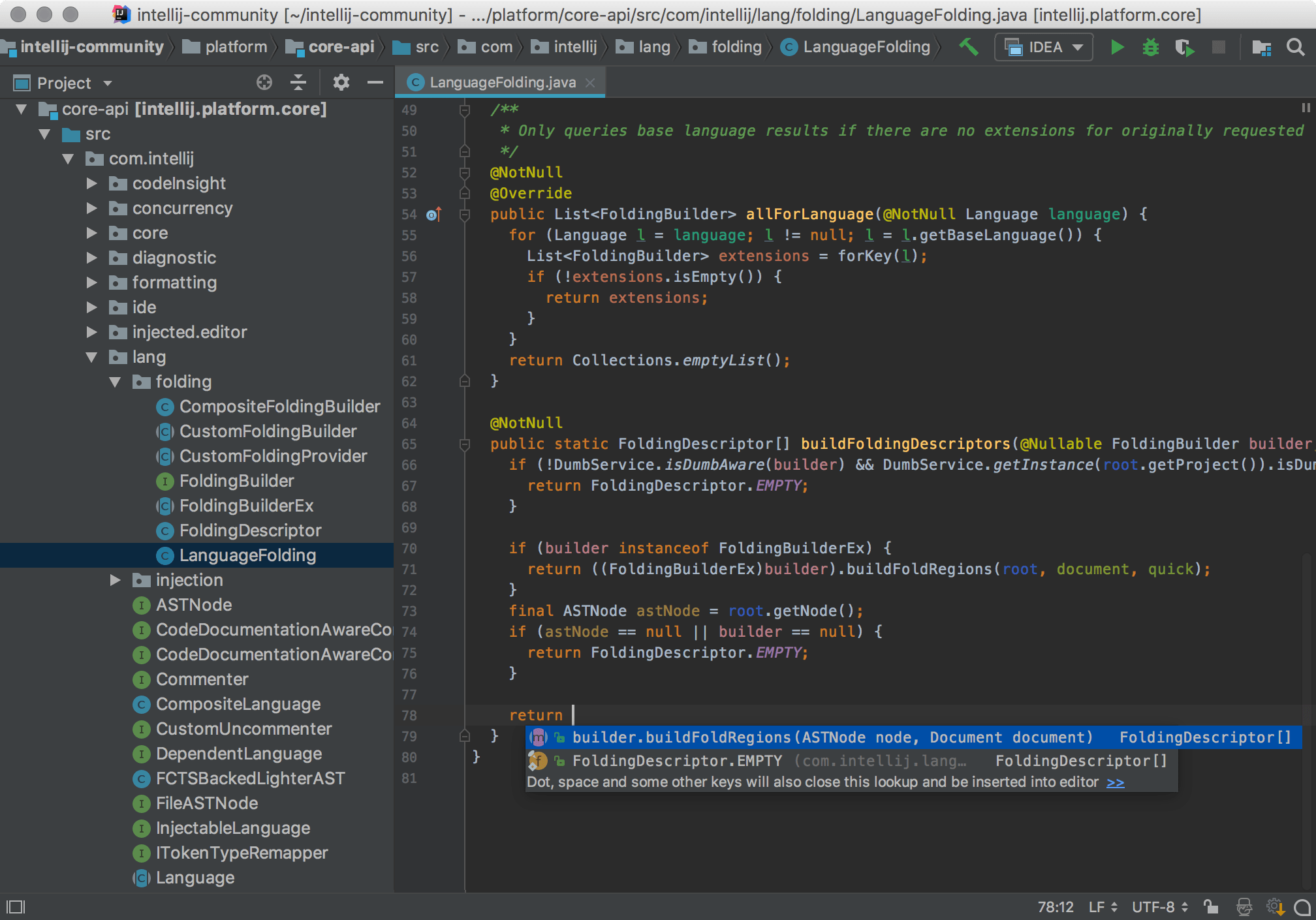
IntelliJ IDEA Ultimate is widely regarded as the most powerful IDE for Java development. Its native AI assistant, JetBrains Junie, is catching up quickly in context awareness. It excels at refactoring large, complex codebases without breaking dependencies. The subscription cost is high, but the productivity gains for Java teams are significant. It is the go-to choice for developers who need deep static analysis alongside AI suggestions.
VS Code
Visual Studio Code remains the most popular editor globally due to its lightweight nature and vast extension library. For AI-driven reviews, it relies heavily on GitHub Copilot or third-party agents. Its strength lies in flexibility; you can swap AI providers or add language support as needed. It is the default choice for web developers and those working in polyglot environments. However, it requires more manual configuration to achieve the same level of AI context as native IDEs.
Windsurf
Windsurf is an emerging contender that prioritizes AI as the primary interface rather than an add-on. It features "Cascade," an AI agent that can perform multi-step refactors across files. This makes it ideal for developers who want the AI to handle code reviews and structural changes automatically. While still growing its ecosystem, its polished UI and deep codebase understanding make it a strong alternative to traditional editors for AI-centric workflows.
PyCharm
PyCharm Professional is the standard for Python development. With JetBrains Junie, it offers AI assistance tailored to Python-specific patterns and data science libraries. It provides robust debugging and database tools that integrate with AI suggestions. If your stack is Python-heavy, PyCharm reduces the friction between writing code and reviewing AI-generated changes.
Xcode
For Apple developers, Xcode is non-negotiable. Recent updates have introduced Xcode Agents, which allow AI to assist with testing, documentation, and code organization within the Apple ecosystem. While its general-purpose AI capabilities lag behind Windsurf or Copilot, its deep integration with Swift and macOS frameworks makes it essential for iOS/macOS teams.
| IDE | AI Agent | Cost | Best Use Case |
|---|---|---|---|
| IntelliJ IDEA | Junie | $199/yr | Java Enterprise |
| VS Code | Copilot | $10/mo | Web Dev |
| Windsurf | Cascade | Free/Pro | AI Refactoring |
| PyCharm | Junie | $249/yr | Python/ML |
| Xcode | Xcode Agents | Free | iOS/macOS |
Inspect the expensive parts
Use this section to make the The Developer's Stack decision easier to compare in real life, not just on paper. Start with the reader's actual constraint, then separate must-have requirements from details that are merely nice to have. A practical choice should survive normal use, maintenance, timing, and budget. If a recommendation only works in an ideal situation, call that out plainly and give the reader a fallback path.
-
Verify the basicsConfirm the core specs, condition, and fit before comparing extras.
-
Price the downsideLook for the repair, maintenance, or replacement cost that would change the decision.
-
Compare alternativesCheck at least two comparable options before treating one listing as the benchmark.
Plan for ownership costs
A free or cheap license often hides behind the initial price tag. The real cost of an IDE comes from maintenance, updates, and the hidden friction of tools that don't quite fit your workflow. When you buy an IDE, you are buying into an ecosystem. If that ecosystem requires constant patching, heavy resource consumption, or expensive plugins to function, the "cheap" option becomes the most expensive one.
Consider the difference between a basic text editor and a full-featured IDE like IntelliJ IDEA or VS Code. The basic editor might be free, but you spend hours configuring plugins for linting, formatting, and debugging. The IDE costs money, but it includes these features out of the box. For AI-driven code reviews, this distinction is critical. You need an environment that can handle large context windows and real-time AI suggestions without lagging your system. A slow IDE wastes more developer time than the license fee costs.
Maintenance surprises also include compatibility issues. When your project upgrades a library, does your IDE break? Do you need to buy a new plugin version? Check the update frequency and community support for your chosen tool. A tool with a small, inactive community will leave you stranded when bugs appear. Look for IDEs with active development and clear support channels. This reliability is part of the ownership cost.
When evaluating options, look beyond the sticker price. Calculate the total cost of ownership (TCO) by factoring in:
- License fees: Annual or one-time costs.
- Hardware requirements: Does it slow down your machine?
- Plugin costs: Are essential features paid add-ons?
- Learning curve: How long will it take your team to get productive?
The goal is to find a balance between cost and efficiency. A slightly more expensive IDE that saves you 30 minutes a day will pay for itself in weeks. A cheap tool that wastes hours is a false economy.



As an Amazon Associate, we may earn from qualifying purchases.
Common questions about choosing an IDE for AI-driven reviews
Choosing the right editor involves balancing native AI integration with your existing workflow. Here are answers to the most frequent questions developers ask when adopting AI-assisted code review tools.
The landscape shifts quickly, but the consensus favors tools that respect your existing workflow rather than forcing a complete overhaul.

No comments yet. Be the first to share your thoughts!