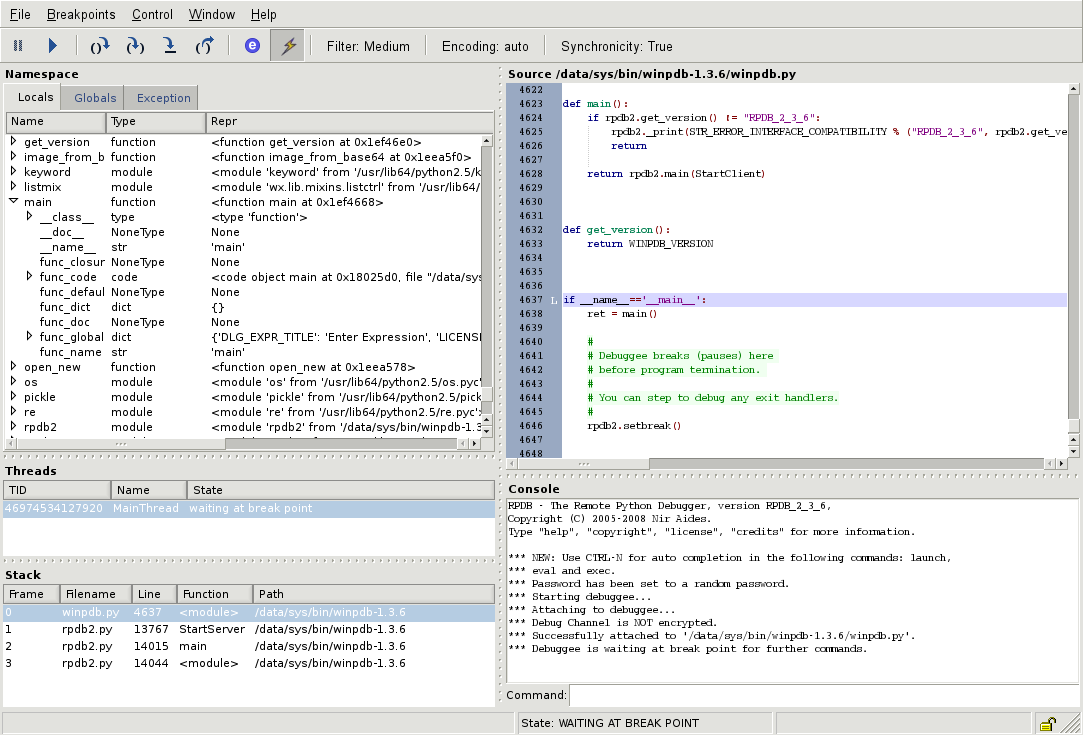
How we picked these debugging tools
Finding the right AI-powered debugging tool means looking past the marketing hype. We evaluated each option based on its ability to actually fix code, not just highlight errors. Our selection process focused on three concrete criteria: integration depth with your existing IDE, the accuracy of AI-generated patches, and the clarity of error explanations.
We prioritized tools that reduce context-switching. A debugger that forces you to leave your editor to check logs is less useful than one that analyzes stack traces in real-time. We also filtered out solutions that require extensive manual configuration, favoring tools that offer immediate value out of the box.
The five tools listed below represent the current best balance of automation and developer control. Each entry includes specific use cases and limitations so you can choose the one that fits your workflow.
5 AI-Powered Debugging Tools in 2026: Automate Code Fixes & Streamline Your Workflow
These five tools move beyond simple error detection to actively propose and apply code fixes, reducing manual debugging time. We evaluated each option for integration ease, accuracy, and workflow impact to help you choose the right automation for your stack.
1. Cursor IDE AI Code Editing
Cursor transforms standard editing into an AI-native experience by allowing developers to query their entire codebase contextually. This tool excels at refactoring legacy modules and generating boilerplate with high accuracy. The interface feels familiar yet significantly faster, making it ideal for teams seeking to reduce manual typing while maintaining strict code structure.

2. GitHub Copilot Workspace Agent
GitHub Copilot Workspace shifts focus from inline suggestions to broader architectural planning. It analyzes pull requests and issues to propose comprehensive fix strategies before implementation. This agent helps developers understand the "why" behind code changes, reducing context-switching fatigue. It integrates seamlessly with existing GitHub workflows, offering a strategic layer above standard autocompletion.

3. Amazon CodeWhisperer Security Scanning
Amazon CodeWhisperer prioritizes security compliance by scanning code for vulnerabilities in real-time. It detects common flaws like SQL injection and outdated dependencies, offering immediate remediation suggestions. This tool is essential for teams handling sensitive data or adhering to strict regulatory standards. Its ability to generate secure code snippets reduces the risk of introducing critical bugs during development cycles.
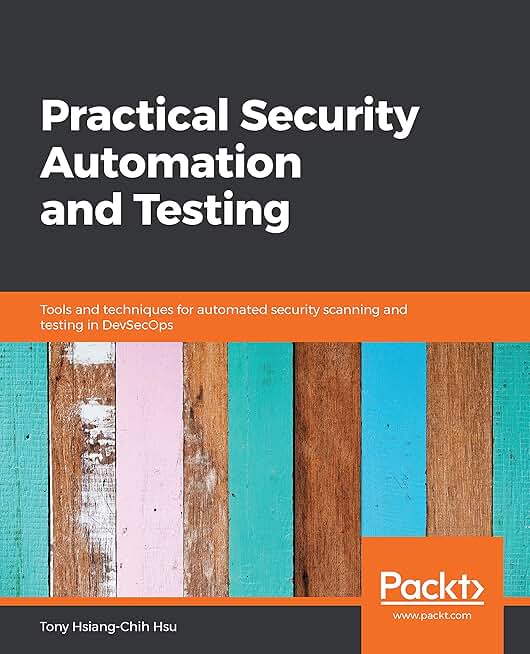
4. Tabnine Code Completion Engine
Tabnine offers a privacy-focused completion engine that can run locally, ensuring code never leaves your infrastructure. It learns from your specific coding style and project patterns to provide highly relevant suggestions. This makes it a strong choice for enterprises with strict data governance policies. The engine adapts quickly to new libraries, maintaining high accuracy without compromising security or requiring cloud connectivity.
5. Replit AI Pair Programmer
Replit AI Pair Programmer operates within a cloud-based IDE, enabling instant collaboration and deployment. It assists with debugging by explaining errors in plain language and suggesting fixes directly in the browser. This tool lowers the barrier to entry for beginners while providing robust support for experienced developers. The integrated environment removes setup friction, allowing teams to focus purely on logic and functionality.
Pick the right fit
Use this section to make the Top 5 AI-Powered Debugging Tools decision easier to compare in real life, not just on paper. Start with the reader's actual constraint, then separate must-have requirements from details that are merely nice to have. A practical choice should survive normal use, maintenance, timing, and budget. If a recommendation only works in an ideal situation, call that out plainly and give the reader a fallback path.
-
Verify the basicsConfirm the core specs, condition, and fit before comparing extras.
-
Price the downsideLook for the repair, maintenance, or replacement cost that would change the decision.
-
Compare alternativesCheck at least two comparable options before treating one listing as the benchmark.
Frequently Asked Questions About AI Debugging Tools
Do AI debugging tools replace traditional debuggers like GDB or Chrome DevTools? No. AI tools like GitHub Copilot or Amazon CodeWhisperer act as assistants that suggest fixes or highlight anomalies, but they do not replace the granular control of traditional debuggers. You still need GDB, LLDB, or Chrome DevTools to step through code, inspect memory, and trace execution flow. Think of AI as a pair programmer who spots the typo, while the traditional debugger is the microscope you use to understand why the logic failed.
Can AI tools fix security vulnerabilities automatically? Most AI debugging tools can identify common security flaws, such as SQL injection or hardcoded credentials, and suggest patches. However, they rarely guarantee a fully secure solution. Security fixes often require architectural changes or context that an AI model may miss. Always review AI-generated security patches with a dedicated static analysis tool or a human security expert before deploying to production.
Which AI debugging tool is best for Python developers? For Python, tools integrated into IDEs like PyCharm or VS Code offer the best experience. These environments combine AI-powered code completion with traditional debugging features. If you are looking for standalone AI assistance, tools that offer real-time error explanation and auto-fix suggestions within the editor are generally more effective than command-line-only solutions.
Do AI debugging tools slow down my development workflow? Initially, they may add a slight overhead as you learn to trust and verify their suggestions. However, most developers report a net time savings because AI tools reduce the time spent searching for error messages or writing boilerplate test cases. The key is to use them for pattern recognition and quick fixes, while keeping manual review for complex logic changes.
Are AI debugging tools safe for proprietary code? You should check the privacy policy of any AI tool you use. Some services use your code snippets to train their models, which could expose proprietary logic. Look for tools that offer enterprise-grade data isolation or local processing options if you are working with sensitive intellectual property. Never paste unredacted source code into public AI chat interfaces.
Helpful gear
Use these product recommendations as a starting point, then choose the size, material, and price point that fit how you actually use the gear.

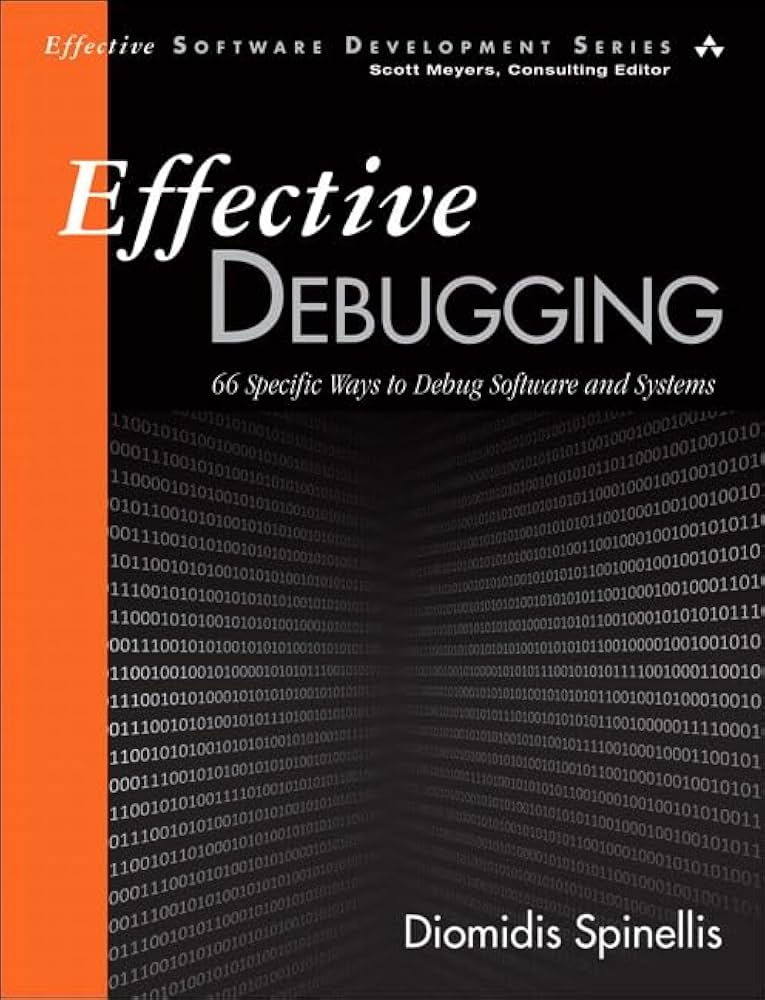

As an Amazon Associate, we may earn from qualifying purchases.

No comments yet. Be the first to share your thoughts!