
Why AI debugging matters now
Traditional debugging is reactive: developers write code, encounter an error, and spend time tracing the stack to find the root cause. This cycle consumes cognitive load and slows shipping velocity. In 2026, the workflow is shifting from finding bugs to fixing them automatically before they reach the user.
AI debugging tools operate proactively. Instead of waiting for test failures, they analyze code patterns in real-time, identifying logical errors, security vulnerabilities, and performance bottlenecks as you type. This eliminates the context-switching penalty of jumping between your IDE and documentation, allowing developers to maintain their flow state.
Integration into modern IDEs means fixes are often suggested inline. Rather than just highlighting a line in red, the AI provides a patch that resolves the issue. This shift from diagnostic reporting to automated remediation represents a fundamental change in how software is built.
5 AI Debugging Tools That Fix Code Before You See It
Modern development workflows demand proactive error resolution. These five AI debugging tools integrate directly into your IDE to perform root cause analysis and apply inline fixes before compilation errors surface.
-
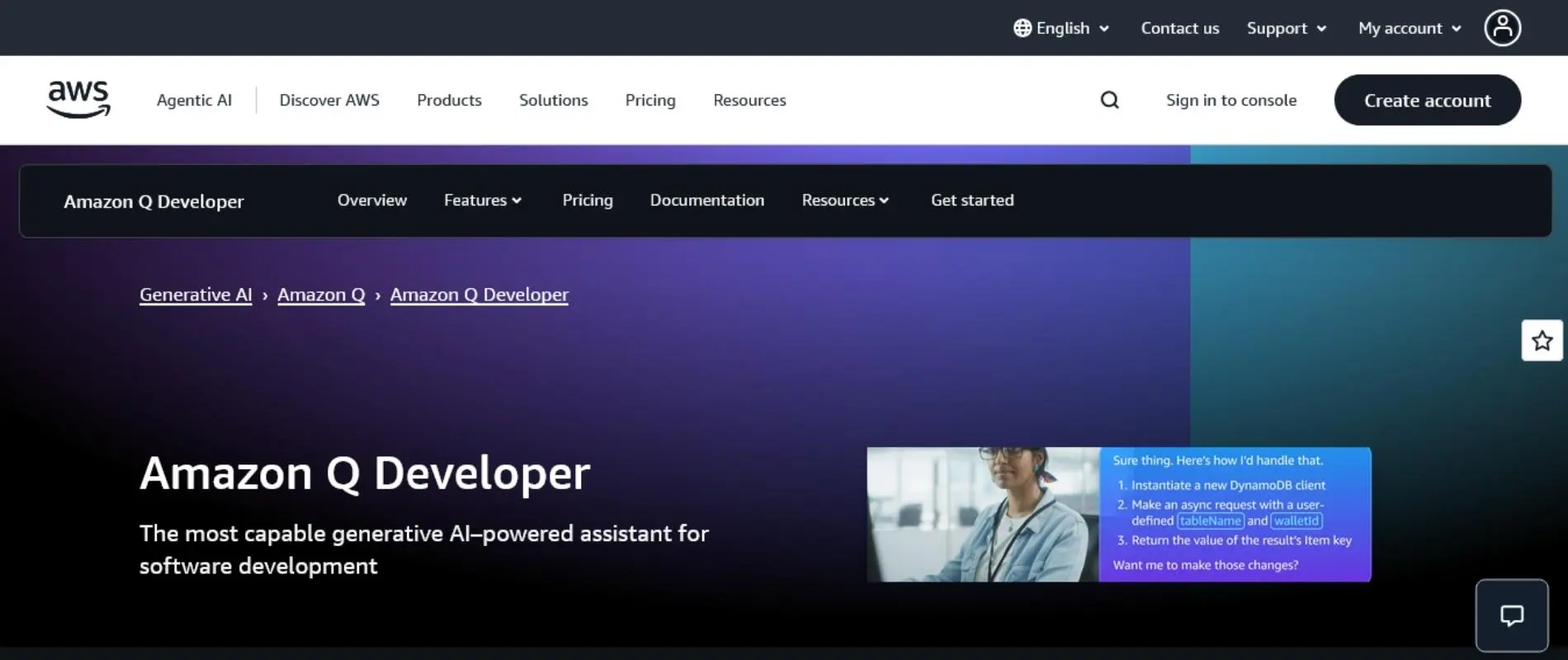
Amazon CodeWhisperer proactive error detection
Amazon CodeWhisperer scans code in real-time to identify security vulnerabilities and logical errors before compilation. It integrates directly into IDEs like VS Code and JetBrains, offering inline suggestions to refactor unsafe patterns. This proactive approach reduces technical debt by catching issues early in the development cycle, allowing developers to maintain secure codebases without interrupting their workflow with post-build error logs. -

GitHub Copilot Chat inline fix suggestions
GitHub Copilot Chat provides contextual inline fixes directly within the editor interface. By highlighting problematic code segments, it offers precise refactoring suggestions that address syntax errors and logical flaws immediately. This seamless integration minimizes context switching, enabling developers to resolve issues instantly while maintaining focus on the surrounding logic, effectively turning debugging into a continuous, non-disruptive part of the coding process. -
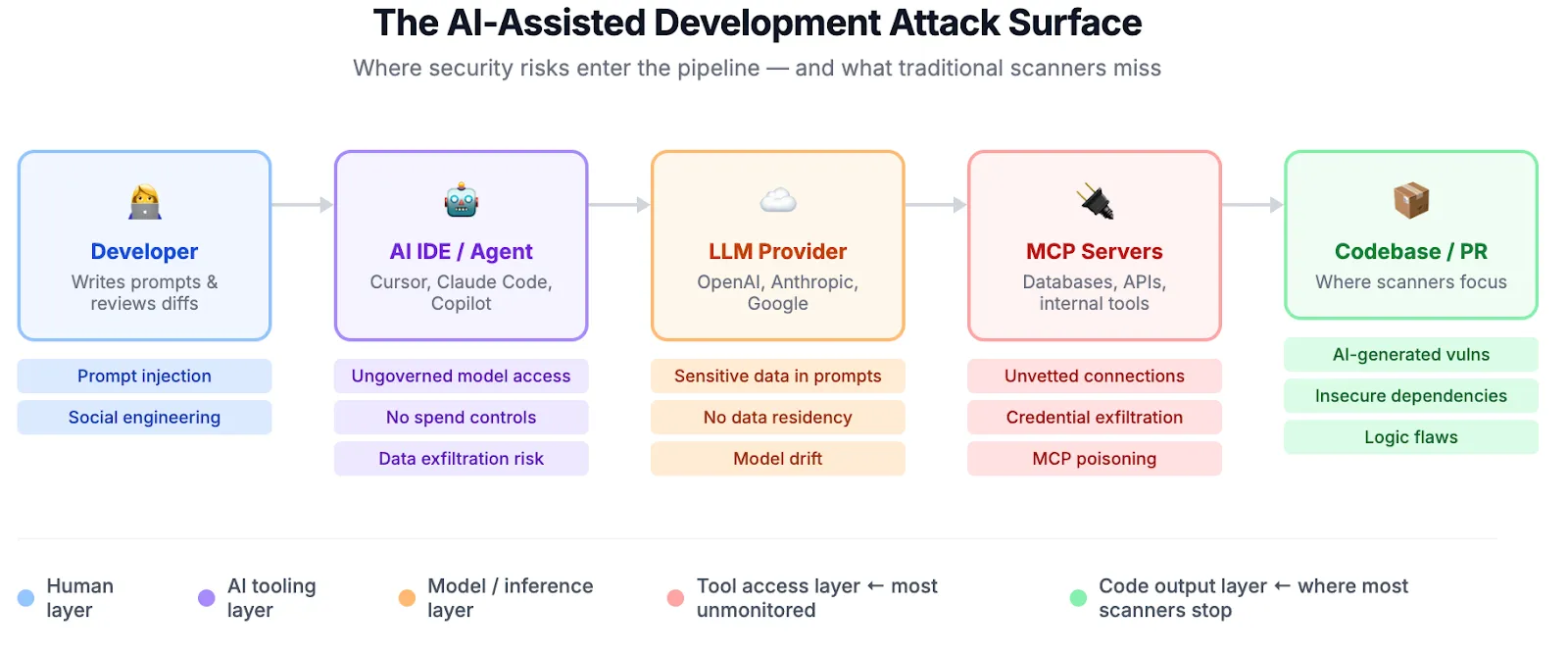
Snyk Code real-time vulnerability remediation
Snyk Code performs continuous, real-time analysis to detect security vulnerabilities as developers type. It identifies risky code patterns and suggests immediate remediations, integrating smoothly into popular IDEs. This tool shifts security left by addressing potential exploits during the coding phase rather than after deployment, ensuring that applications remain robust against common threats without requiring extensive manual security audits later in the pipeline. -
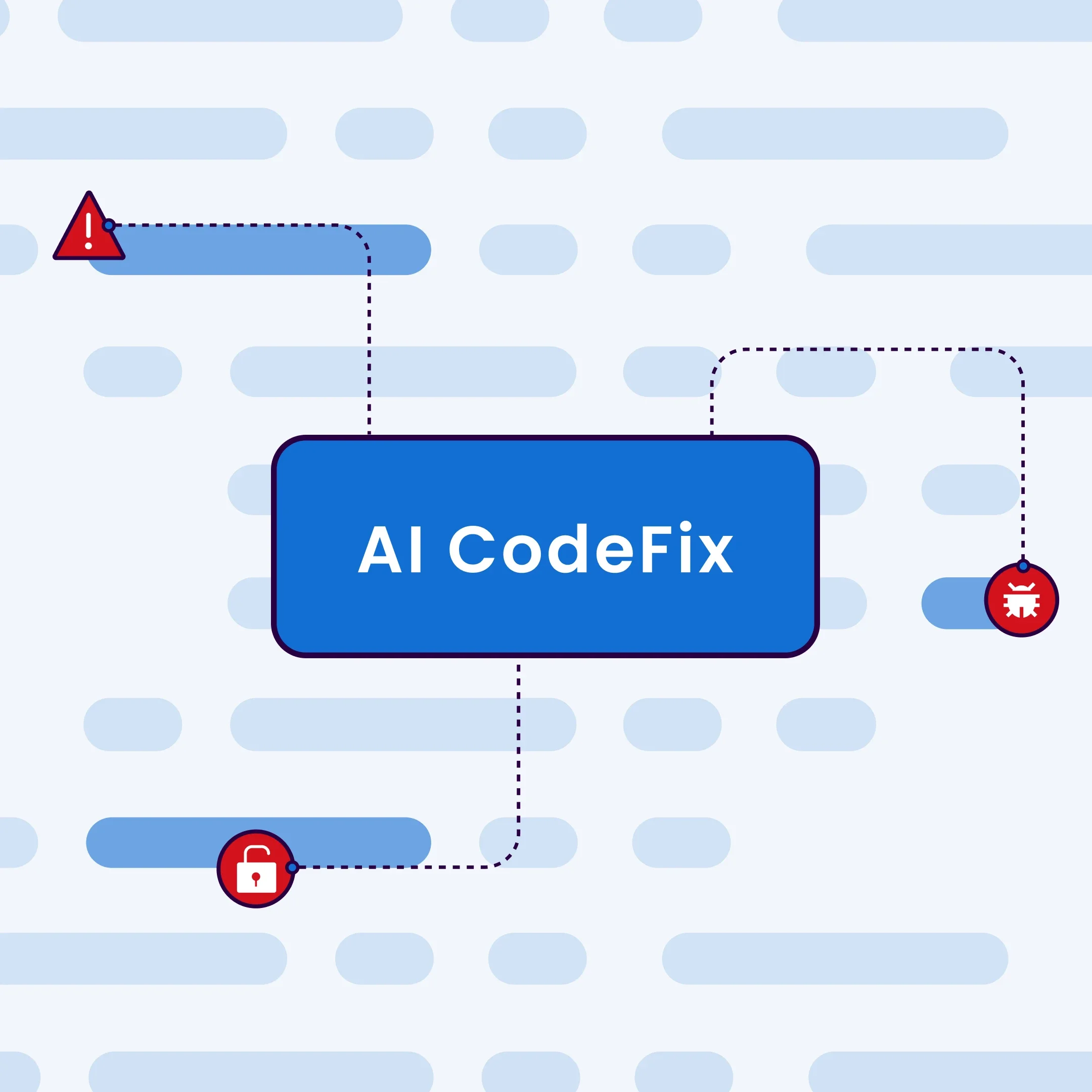
SonarQube static analysis automated corrections
SonarQube leverages static analysis to detect bugs, code smells, and security vulnerabilities before execution. Its AI-driven CodeFix feature suggests automated corrections for identified issues, streamlining the cleanup process. By integrating into CI/CD pipelines and IDEs, it ensures consistent code quality standards, allowing teams to address technical debt proactively and maintain a clean, maintainable codebase without manual intervention for every minor flaw. -
.png)
Tabnine AI assisted code repair
Tabnine uses deep learning models to predict and repair code errors based on context. It offers inline suggestions that correct syntax mistakes and improve code structure as you type. This AI assistance helps developers maintain productivity by reducing the time spent on manual debugging, providing intelligent corrections that align with existing project patterns and coding standards, effectively acting as a real-time pair programmer.
Top 5 AI debugging tools for 2026
The landscape of AI-assisted debugging has shifted from passive suggestion to active remediation. In 2026, the most effective tools do not just highlight errors; they analyze the execution context, predict the root cause, and apply the fix before the developer even notices the break. These five tools represent the current standard for automated code correction, each specializing in a different layer of the development stack.
1. Sentry: Automated Root Cause Tracking
Sentry has evolved beyond simple error aggregation into a proactive debugging engine. Its AI capabilities automatically group similar exceptions and correlate them with recent code deployments, effectively identifying the root cause without manual triage. For production environments, Sentry is the standard for catching issues that slip past local testing. It provides stack traces enriched with context, allowing developers to understand not just where the code failed, but why.
2. Amazon CodeWhisperer: IDE-Native Inline Fixes
Amazon CodeWhisperer integrates directly into IDEs like VS Code and JetBrains, offering real-time code suggestions and security scans. Its debugging strength lies in its ability to analyze the current file context and suggest corrections for syntax errors or logical flaws as you type. Unlike generic chatbots, CodeWhisperer understands the specific library and framework you are using, making its inline fixes highly relevant to your immediate workflow. It acts as a silent pair programmer that catches mistakes before they become commits.
3. GitHub Copilot Chat: Conversational Debugging
GitHub Copilot Chat has become the go-to interface for debugging complex logic within GitHub-hosted repositories. By leveraging the entire codebase context, it can explain why a specific function is failing and generate the corrected code snippet directly in the chat window. This tool excels in refactoring scenarios where the error is not a simple syntax mistake but a deeper architectural issue. It allows developers to ask natural language questions about their code, receiving precise explanations and fixes that adhere to the project's existing style.
4. PyCharm Debugger: Intelligent Python Analysis
For Python developers, PyCharm’s debugger remains a powerhouse, now enhanced with AI-driven insights. It offers intelligent code completion and error detection that understands Python’s dynamic typing and complex data structures. The debugger can predict potential runtime errors based on historical data and type hints, offering suggestions to prevent crashes. Its integration with Jupyter notebooks allows for interactive debugging, where you can inspect variables and execute code snippets on the fly, making it indispensable for data science and backend development.
5. Visual Studio Code: Lightweight AI Integration
Visual Studio Code (VS Code) continues to dominate the editor market, largely due to its extensible AI ecosystem. While VS Code itself is not an AI tool, its integration with extensions like GitHub Copilot and various AI-powered linters creates a seamless debugging environment. The editor’s lightweight nature allows for rapid iteration, and its AI extensions provide inline fixes and error explanations that are context-aware. This flexibility makes VS Code the preferred choice for developers who need a customizable debugging experience across multiple languages and frameworks.
Comparison of AI Debugging Tools
| Tool | Primary Strength | IDE Integration | Best Use Case |
|---|---|---|---|
| Sentry | Automated root cause tracking | Cloud-based dashboard | Production error monitoring |
| Amazon CodeWhisperer | Inline code suggestions | VS Code, JetBrains | Real-time syntax and logic fixes |
| GitHub Copilot Chat | Conversational code explanation | VS Code, JetBrains | Complex logic debugging and refactoring |
| PyCharm Debugger | Intelligent Python analysis | PyCharm IDE | Python and data science workflows |
| Visual Studio Code | Flexible AI ecosystem | VS Code | Multi-language development |
Product Recommendations
For developers looking to implement these tools, here are the recommended resources and integrations:


As an Amazon Associate, we may earn from qualifying purchases.
How to choose the right debugging tool
Selecting the right AI debugging tool requires matching its capabilities to your specific stack and workflow. The landscape is split between local IDE integrations for immediate fixes and cloud-based services for production monitoring. Your choice depends on whether you need to resolve bugs in your editor before committing code or track errors after deployment.
Match the tool to your stack
Not all AI debuggers support every language. If you work primarily in Python, tools like DeepCode or CodeRabbit offer native integration with PyCharm and VS Code, providing inline fixes for common syntax and logic errors. For JavaScript and TypeScript, GitHub Copilot Chat and Amazon CodeWhisperer are deeply embedded in the VS Code ecosystem, allowing you to generate test cases or suggest refactors directly in the terminal.
If your stack includes C++ or C, traditional CLI debuggers like GDB or WinDbg remain essential for memory management issues, though AI layers are increasingly wrapping these tools to interpret core dumps. Ensure the tool you choose explicitly lists support for your primary language and framework. A tool that excels at Python may offer little value for a Rust project.
Local vs. production debugging
Local debugging tools focus on root cause analysis during development. They analyze code context, suggest fixes, and run unit tests automatically. This approach reduces the time spent on repetitive debugging tasks and keeps the workflow contained within your IDE. These tools are ideal for catching bugs before they reach staging.
Production debugging tools, such as Sentry or New Relic, focus on real-time error tracking. They aggregate crashes from live users, providing stack traces and user context. While some AI features are emerging here to suggest fixes based on historical data, their primary role is visibility. For a complete strategy, use local AI tools to prevent bugs and production tools to catch the ones that slip through.
Evaluate team size and integration
For solo developers or small teams, ease of setup is paramount. Look for tools that integrate seamlessly with your existing version control system, such as GitHub or GitLab. Automated pull request reviews that include debugging suggestions can significantly speed up code reviews without requiring manual intervention.
Larger teams need tools that scale. Consider features like custom rule sets, team-wide knowledge bases, and enterprise-grade security. Some tools offer centralized dashboards to track bug trends across multiple repositories. Ensure the tool can handle high volumes of code analysis without slowing down the CI/CD pipeline.


As an Amazon Associate, we may earn from qualifying purchases.
Integrating AI into your workflow
The best AI debugging tools function as a pair of eyes on your code, not a replacement for your understanding of the architecture. When you integrate these assistants into your IDE, they shift your workflow from reactive triage to proactive correction. Instead of waiting for a test suite to fail, you can catch root cause errors during the edit phase.
To get the most out of these tools, treat them as a first-pass filter. Configure your editor to run AI analysis on save or when you highlight a suspicious block. This setup allows the AI to suggest inline fixes or explain complex stack traces while you are still thinking about the logic. It keeps the context fresh and reduces the cognitive load of switching between your code and documentation.
However, never accept an AI-generated fix without reading the diff. These models can hallucinate imports or misinterpret variable scope. Use the tool to identify the "what" and "where" of a bug, but rely on your own knowledge to determine the "why." This approach ensures that the code remains maintainable and that you retain full ownership of the logic you ship.
Frequently asked questions about AI debugging
Can AI fix all types of bugs? AI debugging tools excel at identifying syntax errors, missing imports, and logic flaws in standard code blocks. They integrate directly into your IDE to suggest inline fixes before you even run the code. However, they struggle with complex architectural issues or race conditions that require deep context about the entire system. Traditional debuggers like WinDbg remain essential for low-level memory analysis.
Is it safe to let AI modify my code automatically? Allowing AI to auto-fix code requires careful review. While tools can resolve simple errors, they may introduce subtle logic changes or security vulnerabilities if the prompt context is incomplete. Always verify the suggested changes against your specific business logic. Treat AI suggestions as a senior developer's quick review, not a final commit.
How do AI tools handle complex logic errors? AI tools use static analysis and pattern matching to detect common anti-patterns and potential failures. They can trace data flow to identify where a variable might become undefined. For intricate logic errors involving multiple modules, these tools provide root cause hypotheses rather than definitive answers. This helps narrow down the search space significantly compared to manual logging.
Do AI debugging tools replace traditional IDE debuggers? No. AI tools complement rather than replace traditional debugging workflows. They act as a first line of defense, catching obvious issues instantly. For deep dives into stack traces, memory leaks, or performance bottlenecks, you still need the granular control of IDE debuggers like those in Visual Studio Code or JetBrains IDEs.
Can AI debug code in any programming language? Most AI debugging assistants support popular languages like Python, JavaScript, TypeScript, and Java. Coverage for niche or legacy languages like C++ or Rust is improving but may lack the same depth of integration. Always check the specific language support for the tool you choose, especially if you are working with proprietary or older codebases.

No comments yet. Be the first to share your thoughts!