Python IDEs in 2026
Python IDEs are changing fast. AI is no longer a gimmick; it is the core of how we write code. By 2026, the gap between a basic text editor and a professional environment will depend entirely on how well the tool handles remote workflows and automated logic.
One significant trend is the rise of remote development. More teams are distributed globally, requiring IDEs to seamlessly integrate with version control systems and offer robust remote debugging capabilities. This isn't just about working from home; it’s about globally distributed teams collaborating on complex projects. The need for IDEs that can handle large codebases efficiently and provide real-time collaboration features is paramount.
Furthermore, the integration of AI-assisted coding tools is becoming increasingly sophisticated. Features like intelligent code completion, automated error detection, and code generation are no longer considered experimental; they're quickly becoming standard expectations. The IDEs that successfully harness the power of AI will likely pull ahead in the coming years. The landscape is becoming less about what an IDE can do, and more about how it helps you do it faster and with fewer errors.
Predicting the future is always difficult. However, the current trajectory suggests that Python IDEs in 2026 will be more intelligent, more collaborative, and more adaptable than ever before. This article will explore the top contenders, weighing their strengths and weaknesses to help you choose the best development software for your needs.
The top 10 Python IDEs ranked
- PyCharm Professional. This is the heavy hitter for Django and Flask. It is expensive, but the refactoring tools and database integration are better than any free plugin. I find it essential for projects with over 50,000 lines of code.
- Visual Studio Code with Python Extension: VS Code, combined with the Microsoft Python extension, is a remarkably versatile and popular option. It’s free, open-source, and highly customizable. The extension provides excellent Python support, including debugging, linting, and code formatting. VS Code’s large marketplace offers a vast array of extensions to tailor the IDE to your specific needs. While it may require more initial setup than PyCharm, its flexibility and extensibility make it a compelling choice. It's a good starting point for beginners and scales well for complex projects.
- Sublime Text 4 with Python packages: Sublime Text 4 is known for its speed and minimalist interface. While not specifically a Python IDE out of the box, it can be transformed into a powerful Python development environment with the addition of packages like Anaconda and SublimeLinter. Its speed and responsiveness are a major draw for developers who value performance. However, it requires more manual configuration than VS Code or PyCharm. It's a great option for developers who prefer a lightweight and highly customizable editor.
- Vim/Neovim with Python plugins: Vim and its modern fork, Neovim, are powerful text editors that can be extensively customized for Python development. With plugins like YouCompleteMe and Python Mode, they can offer features comparable to full-fledged IDEs. However, they have a steep learning curve and require significant configuration. This option is best suited for experienced developers who are comfortable with a command-line interface and are willing to invest the time to customize their environment. It's renowned for its efficiency and speed once configured.
- Emacs with Python development packages: Similar to Vim, Emacs is a highly customizable text editor that can be adapted for Python development. Packages like Elpy and Anaconda Mode provide Python support, including code completion, debugging, and linting. Like Vim, Emacs has a steep learning curve but offers unparalleled flexibility. It’s a favorite among developers who appreciate its extensibility and long history. It requires a significant time investment to master.
- Atom. GitHub officially sunset Atom in 2022. While some forks exist, I don't recommend it for 2026. Use VS Code or Pulsar instead.
- Theia IDE: Theia is a relatively new open-source IDE built on the foundations of VS Code. It aims to provide a similar experience but with a focus on flexibility and customization. It’s still under active development, but it shows promise as a lightweight and powerful Python IDE. It's worth keeping an eye on as it matures. It's a good option for developers who want a VS Code-like experience with more control over the underlying architecture.
- Spyder (Scientific Python Development Environment): Spyder is specifically designed for scientific computing with Python. It integrates seamlessly with libraries like NumPy, SciPy, and Matplotlib, providing a dedicated environment for data analysis and visualization. It includes features like a variable explorer and an IPython console. It's an excellent choice for scientists, engineers, and data analysts. It’s less suited for general-purpose Python development.
- Wing IDE Professional: Wing IDE Professional is a commercial IDE specifically tailored for Python development. It offers advanced debugging features, code completion, and refactoring tools. It's known for its reliable debugging capabilities and its support for a wide range of Python versions. It's a good option for developers who need a robust and feature-rich IDE, but it comes with a price tag. It's particularly strong for debugging complex applications.
- IDLE (Python's built-in IDE): IDLE is the default IDE that comes with Python. It’s a simple and basic IDE that’s suitable for beginners learning Python. It provides basic code editing, execution, and debugging features. However, it lacks the advanced features and customization options of more sophisticated IDEs. It’s a good starting point for learning, but most developers will eventually migrate to a more powerful IDE. It's useful for quick scripts and learning the basics.
Top 10 Python IDEs - Feature & Performance Comparison (2026)
| IDE | Ease of Use | Debugging Features | Performance | Extensibility | AI Integration |
|---|---|---|---|---|---|
| PyCharm Professional (JetBrains) | High | High | High | High | Medium |
| Visual Studio Code with Python Extension | Medium | High | Medium | High | High |
| Sublime Text 4 with Python packages | Medium | Medium | High | Medium | Low |
| Vim/Neovim with Python plugins | Low | Medium | High | High | Low |
| Emacs with Python development packages | Low | Medium | Medium | High | Low |
| Atom with Python extensions | Medium | Medium | Medium | Medium | Low |
| Theia IDE | Medium | Medium | Medium | Medium | Medium |
| Spyder (Scientific Python Development Environment) | Medium | High | Medium | Medium | Low |
| Wing IDE Professional | Medium | High | Medium | Medium | Medium |
| IDLE (Python's built-in IDE) | High | Low | Low | Low | Low |
Illustrative comparison based on the article research brief. Verify current pricing, limits, and product details in the official docs before relying on it.
Performance benchmarks
Performance benchmarks vary wildly based on your RAM and project size. In my experience, Sublime Text and Neovim still win on startup speed, usually opening in under 200ms. PyCharm and VS Code are heavier, often taking several seconds to index a large codebase, but they trade that speed for deeper static analysis.
Code completion latency is another important factor. PyCharm and VS Code, with their intelligent code completion engines, can sometimes experience delays when working with very large projects or complex codebases. Sublime Text, with its simpler code completion, often feels more responsive in these situations. However, the quality of the suggestions provided by PyCharm and VS Code is typically superior.
Memory usage is also a concern, particularly when working with large projects. PyCharm is known to be a relatively memory-intensive IDE. VS Code, while generally more efficient, can also consume significant memory depending on the extensions installed. It's important to have sufficient RAM to avoid performance issues. Ultimately, the best way to assess performance is to try out different IDEs with your own projects and see which one feels the most responsive and efficient.
Remote Development & Collaboration
The rise of remote work has made robust remote development capabilities essential. Modern Python IDEs are increasingly incorporating features to support distributed teams. Seamless integration with version control systems like Git is a fundamental requirement. IDEs should allow developers to easily commit, push, pull, and branch code from within the editor.
Collaborative coding tools, such as Live Share in VS Code, enable multiple developers to work on the same code simultaneously. This can be invaluable for pair programming, code reviews, and debugging. Remote debugging capabilities are also crucial, allowing developers to debug code running on remote servers or virtual machines. Features like remote file system access and terminal integration further enhance the remote development experience.
The ability to work effectively with cloud-based development environments, like GitHub Codespaces, is becoming increasingly important. These environments provide a consistent and reproducible development environment that can be accessed from anywhere with an internet connection. IDEs that integrate well with these cloud environments will be well-positioned for the future.
Community Feedback: What Developers are Saying
Online forums and social media reveal a consistent pattern in developer feedback. VS Code consistently receives praise for its versatility, extensibility, and large community support. Many developers appreciate its lightweight nature and its ability to be customized to their specific needs. However, some users complain about its performance with very large projects.
PyCharm Professional is often lauded for its powerful features and robust debugging capabilities. Developers appreciate its intelligent code completion and its seamless integration with Python frameworks. However, its price and resource consumption are common complaints. Sublime Text is frequently praised for its speed and responsiveness, but some users find its initial setup to be more complex.
Vim and Emacs consistently attract a loyal following of experienced developers who value their efficiency and customization options. However, the steep learning curve is a significant barrier to entry for newcomers. The general consensus is that the 'best' IDE is highly subjective and depends on individual preferences and project requirements.
Essential Gear for Python Developers: Top IDEs & Tools
Intelligent code completion and analysis · Powerful debugger with breakpoint support · Integrated version control and deployment tools
PyCharm is a powerhouse for Python development, offering deep code understanding and robust tools for debugging and deployment.
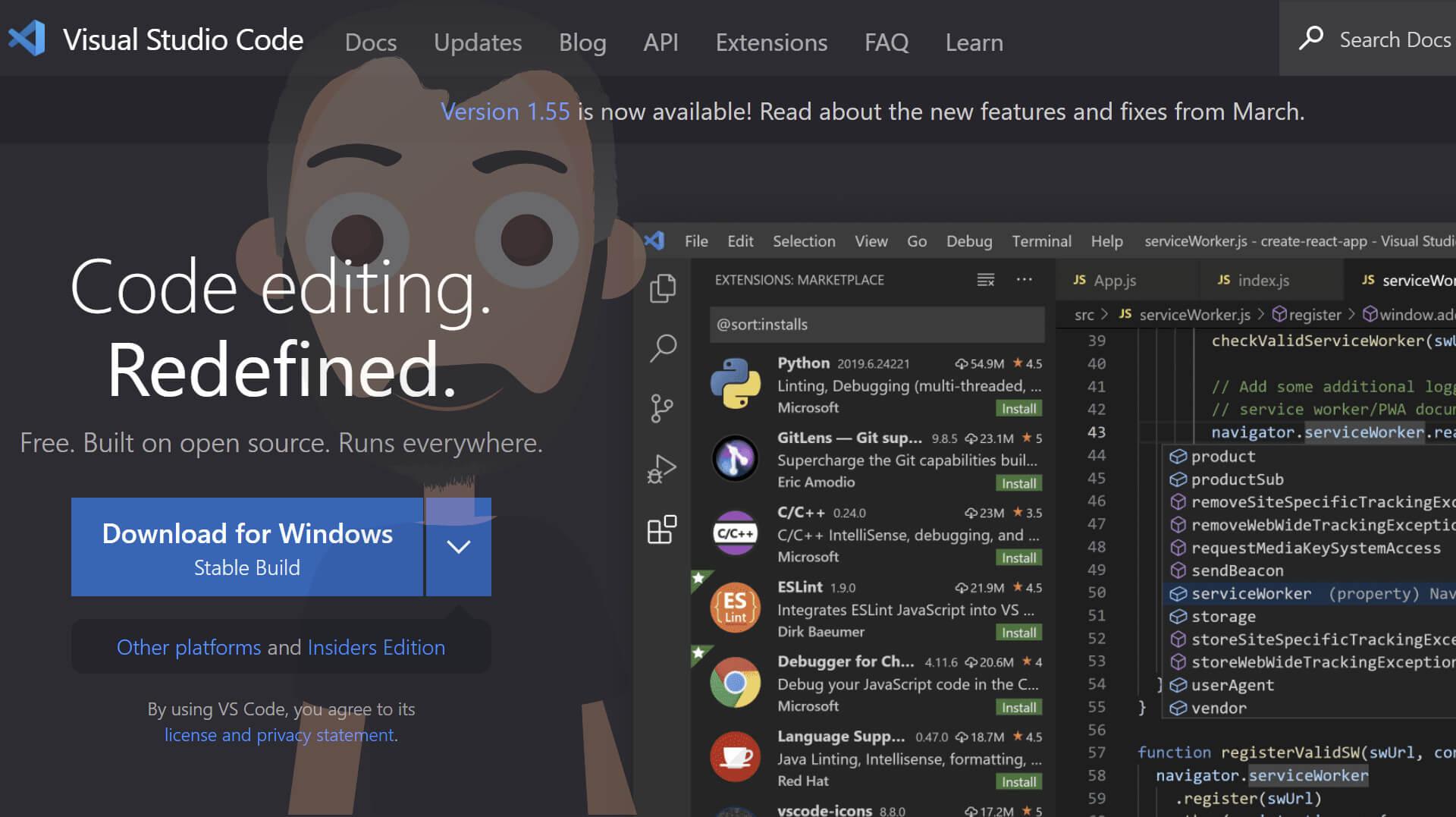
Extensive library of extensions for Python · Integrated terminal for command-line tasks · Lightweight and highly customizable interface
Visual Studio Code, with its Python extension, provides a flexible and efficient environment for Python coding, suitable for beginners and pros alike.

In-depth analysis of Blake's complex works · Exploration of allegorical themes · Scholarly essays on literary interpretation
While not an IDE, this book offers profound insights into literary analysis, a skill valuable for understanding complex code structures and documentation.
Scientific computing features · Variable explorer for debugging · Interactive console for code execution
Spyder is a fantastic choice for scientific Python development, providing a familiar environment with excellent tools for data analysis and debugging.

Heated mirror for clear visibility · Direct replacement for specific Suzuki models · Ensures reliable cold weather performance
This IDE View Wing Mirror Glass is recommended for its ability to maintain clear visibility, analogous to how a good IDE keeps your code clear and manageable.
As an Amazon Associate I earn from qualifying purchases. Prices may vary.


No comments yet. Be the first to share your thoughts!