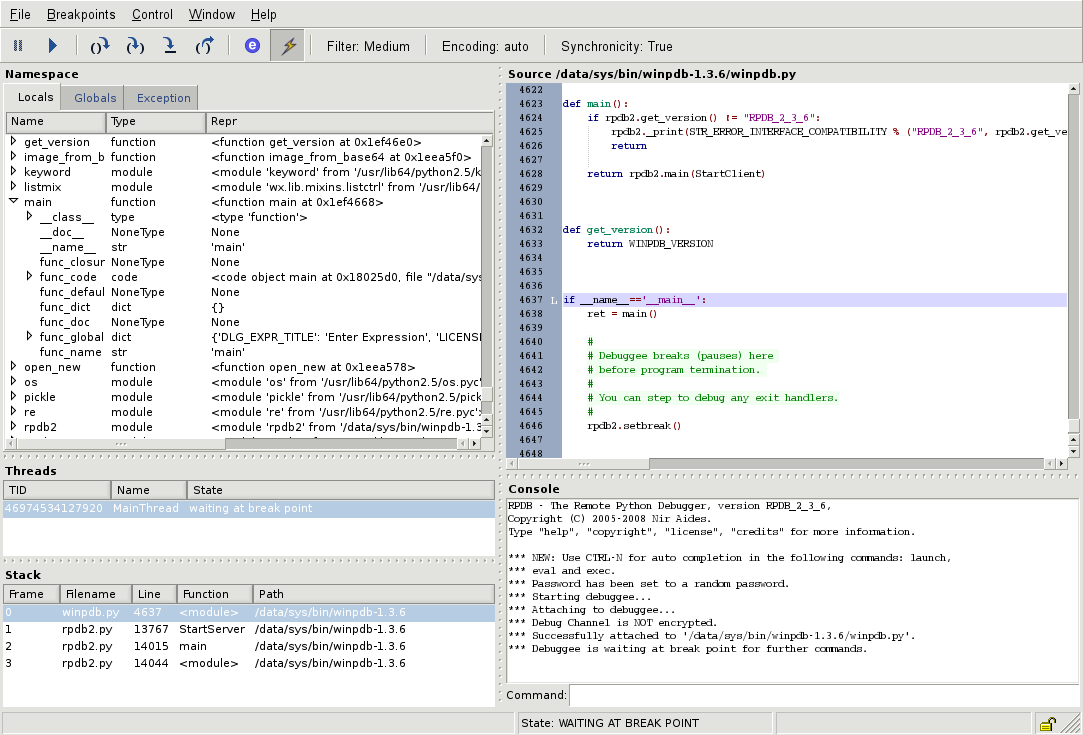
Why AI changes debugging
Traditional debugging has long been a manual, iterative exercise. Developers relied on tools like GDB, LLDB, or the debugger built into Visual Studio Code to set breakpoints, step through code, and inspect memory dumps. This process—observing the failure, locating the fault, and fixing it—was reactive. You waited for a crash or a test failure to begin the hunt, often spending hours tracing the exact line where logic broke.
AI-powered debugging tools flip this workflow from reactive to proactive. Instead of manually stepping through thousands of lines of code, these tools use large language models to analyze stack traces, error logs, and code context in real time. They identify the root cause automatically and, in many cases, generate the fix for you. This shift transforms debugging from a tedious search for a needle in a haystack into a targeted review of a suggested solution.
The productivity gains are immediate. Where a manual session might take an hour to isolate a race condition or a null pointer exception, AI assistants can pinpoint the issue in seconds. This is not just about speed; it is about cognitive load. By handling the mechanical work of fault location, AI tools allow developers to focus on architectural decisions and complex logic rather than syntax errors.
This section introduces the five best AI-powered debugging tools for 2026, selected for their ability to automate root cause analysis and provide actionable auto-fixes. These tools represent the next generation of developer productivity, moving beyond simple syntax highlighting to intelligent, context-aware error resolution.
5 Best AI-Powered Debugging Tools for 2026
In 2026, AI debugging has evolved from passive log analysis to proactive resolution, with tools like Cursor and GitHub Copilot leading the charge in auto-fixing complex errors. These platforms leverage advanced root cause analysis to slash mean time to resolution, allowing developers to reclaim hours previously lost to manual troubleshooting.
1. GitHub Copilot in Visual Studio Code
Copilot transforms debugging by analyzing stack traces and suggesting precise code fixes directly within your editor. Its AI understands context better than traditional linters, allowing developers to resolve errors without leaving their workflow. This seamless integration accelerates problem-solving by turning complex bugs into simple, actionable suggestions.

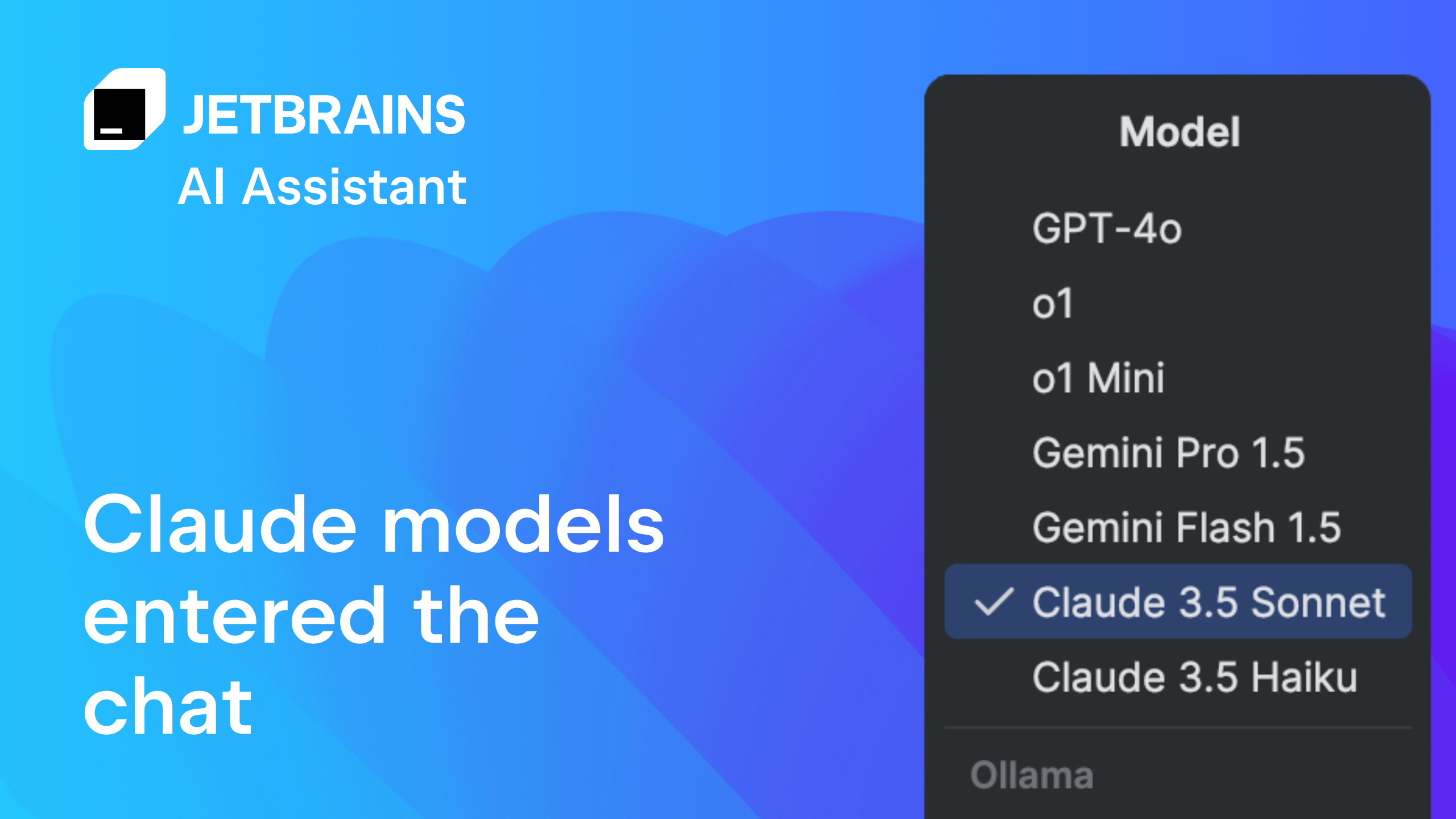
2. JetBrains AI Assistant for PyCharm
JetBrains AI Assistant integrates deep learning into PyCharm to interpret complex Python exceptions and suggest refactoring strategies. It goes beyond syntax checking by understanding logical flow, helping developers pinpoint root causes in intricate data structures. This tool significantly reduces time spent tracing bugs in large-scale applications by providing intelligent, context-sensitive fixes.
3. Sentry for automated error tracking
Sentry utilizes AI to correlate crash reports with specific code commits, automatically identifying the root cause of production errors. It aggregates distributed system traces to pinpoint failures across microservices, reducing mean time to resolution. This proactive approach ensures that bugs are caught and contextualized before they impact end-users significantly.

4. Chrome DevTools for frontend debugging
Chrome DevTools now leverages AI to simplify frontend debugging by automatically highlighting layout shifts and performance bottlenecks. Developers can use natural language queries to find specific DOM issues or network delays without manual inspection. This intelligent assistance streamlines the debugging process for complex web interfaces and responsive designs.

5. Postman for API debugging
Postman employs AI to analyze API responses and automatically detect anomalies in data structures or status codes. It suggests corrections for malformed requests and helps identify integration errors between services quickly. This intelligent debugging capability ensures that APIs function correctly and reliably across different environments.

Compare debugging tool features
Choosing the right AI-powered debugger depends on your stack and workflow. The five tools below differ in language support, AI automation level, and pricing structure. Use this table to match each tool to your specific needs.
| Tool | Primary Languages | AI Capability | Pricing Model |
|---|---|---|---|
| GitHub Copilot | JavaScript, Python, TypeScript, Go | Auto-fix suggestions, inline chat | Subscription |
| Amazon CodeWhisperer | Java, Python, C#, JavaScript, Go | Security scans, code generation | Free tier available |
| Tabnine | 100+ languages including Rust, C++ | Context-aware completions | Subscription (Enterprise) |
| Replit AI | Python, JavaScript, HTML/CSS | Full REPL integration, chat | Subscription |
| JetBrains AI Assistant | Java, Kotlin, Python, C++ | Root cause analysis, refactoring | Add-on to IDE license |


As an Amazon Associate, we may earn from qualifying purchases.
-
Identify your primary programming language
-
Check AI feature compatibility with your IDE
-
Review pricing plans for team scaling
-
Test free tiers before committing
Common questions about debugging tools
Is VS Code a debugging tool?
Visual Studio Code (VS Code) is not just a text editor; it is a full-featured Integrated Development Environment (IDE) with native debugging capabilities. It includes built-in support for JavaScript, TypeScript, and Node.js, allowing developers to set breakpoints, inspect variables, and step through code without leaving the editor. For other languages, the VS Code Marketplace offers extensions like the Python Debugger or Java Debugging Extension, which integrate AI-powered features such as auto-fix suggestions and intelligent error detection.
What are the four debugging techniques?
Professional debugging generally follows a four-phase process: observing the failure, locating the fault, fixing the fault, and verifying the fix. Modern AI tools accelerate the "locating" phase by using root cause analysis to pinpoint the exact line of code causing an issue. For example, tools like GitHub Copilot or Amazon CodeWhisperer can analyze stack traces and suggest specific patches, reducing the time spent manually tracing errors through large codebases.
Do AI debugging tools replace human developers?
AI debugging tools augment human developers by handling repetitive tasks like syntax checking and basic error identification. They do not replace the need for human logic in complex architectural decisions or deep system design. Instead, they shift the developer's focus from manual code inspection to reviewing AI-suggested fixes, which improves overall productivity and reduces the cognitive load associated with debugging large-scale applications.
No comments yet. Be the first to share your thoughts!