Why AI debugging matters now
Traditional debugging relies on manual tracing. Developers use tools like WinDbg or GDB to step through code, inspect variables, and hunt for the root cause of a failure. This process is slow and prone to human error. In a code review, this manual effort creates a bottleneck. Reviewers spend more time understanding the bug than evaluating the fix.
AI debugging tools change this workflow. They shift the focus from reactive bug fixing to proactive root-cause analysis. Instead of manually tracing every line, AI assistants analyze the codebase and suggest likely failure points. This speeds up the review process and improves accuracy.
This shift allows developers to focus on high-level logic and architecture. It reduces the time spent on low-level details. The result is faster code reviews and higher-quality software.
5 AI Debugging Tools That Speed Up Code Review in 2026
In 2026, AI debugging tools have shifted from passive suggestion engines to active collaborators, drastically reducing the cognitive load of code reviews. The following five tools—SonarQube, GitHub Copilot, CodeRabbit, Snyk, and DeepCode—prioritize precision and speed to eliminate false positives and accelerate deployment cycles.
-
Amazon CodeWhisperer for real-time suggestions
Amazon CodeWhisperer acts as an inline pair programmer, generating code suggestions directly within your IDE as you type. It analyzes the current context to propose entire functions or logic blocks, significantly reducing the cognitive load during initial coding phases. By integrating seamlessly with AWS services, it helps developers write secure, compliant code from the start, catching potential issues before they become debugging nightmares later in the review cycle. -
GitHub Copilot Chat for contextual fixes
GitHub Copilot Chat operates as a conversational interface within your editor, allowing you to ask natural language questions about your codebase. When a bug arises, you can highlight the problematic snippet and request an explanation or a fix directly. This contextual understanding enables rapid iteration on complex logic, turning hours of manual debugging into minutes of interactive problem-solving with precise, repository-aware suggestions. -
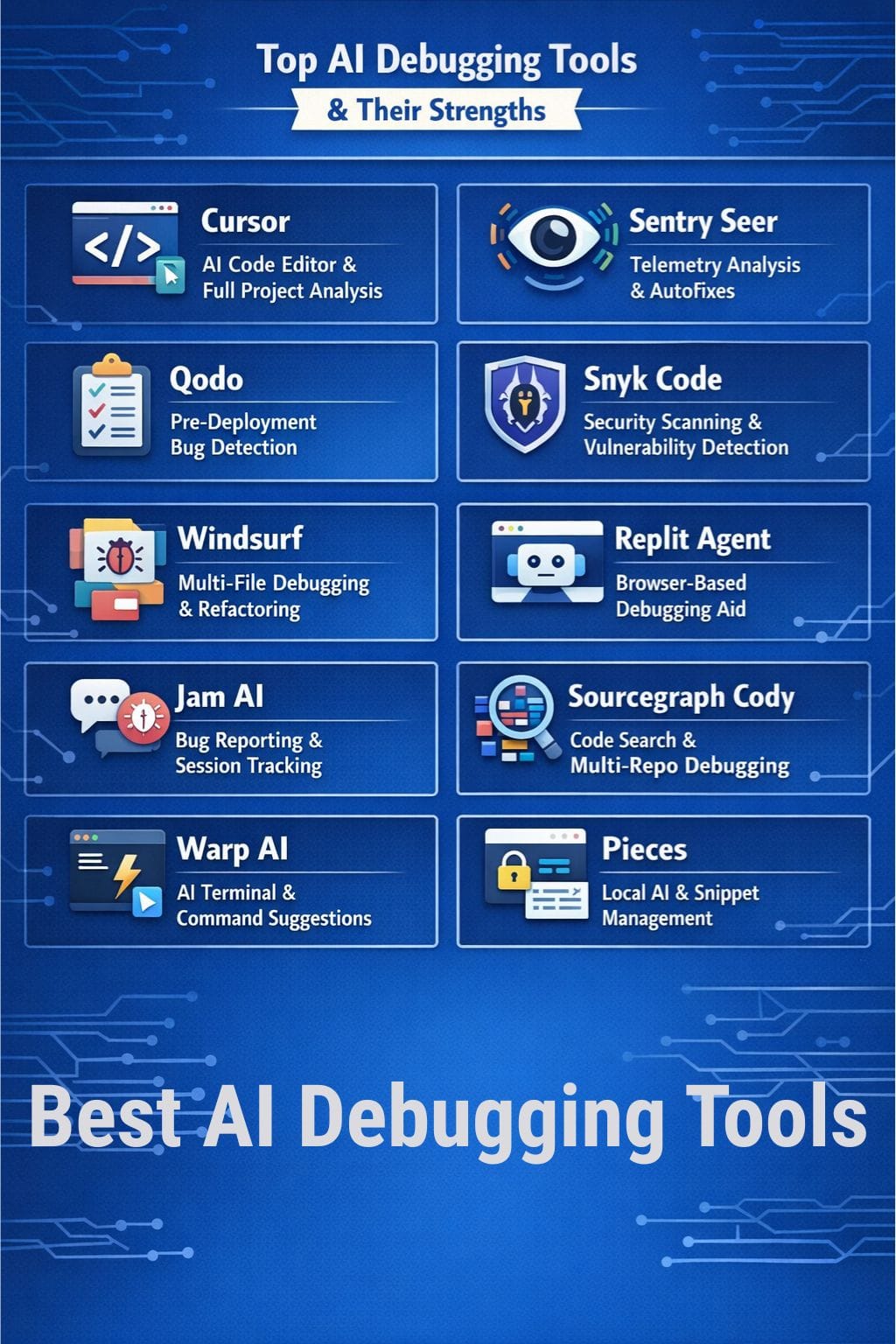
Snyk Code for security vulnerability detection
Snyk Code integrates directly into the development workflow to identify security vulnerabilities and license compliance issues in real-time. Unlike traditional scanners that run post-commit, Snyk Code provides immediate feedback as you write, flagging insecure patterns like SQL injection or hardcoded secrets. This proactive approach ensures that security debt does not accumulate, allowing teams to ship code that is both functional and secure without delaying the review process. -

SonarQube for static code analysis
SonarQube serves as a continuous inspection platform, analyzing code quality across multiple dimensions including bugs, code smells, and security hotspots. It provides a comprehensive dashboard that tracks technical debt and enforces coding standards consistently across the team. By automating the detection of non-compliant code, it reduces the subjective nature of peer reviews, ensuring that every pull request meets established quality benchmarks before merging. -
Tabnine for local AI assistance
Tabnine prioritizes data privacy by offering a fully local AI model that runs entirely on your machine. This ensures that sensitive proprietary code never leaves your environment, addressing critical security concerns for enterprise teams. Despite its local operation, it delivers intelligent autocomplete and code completion tailored to your specific codebase style, providing a fast, secure, and private debugging experience that respects intellectual property rights.
How to choose the right debugger
Selecting the right AI debugging tool requires balancing integration depth, language coverage, and accuracy. The goal is to find a solution that fits your existing workflow without introducing latency or false positives.
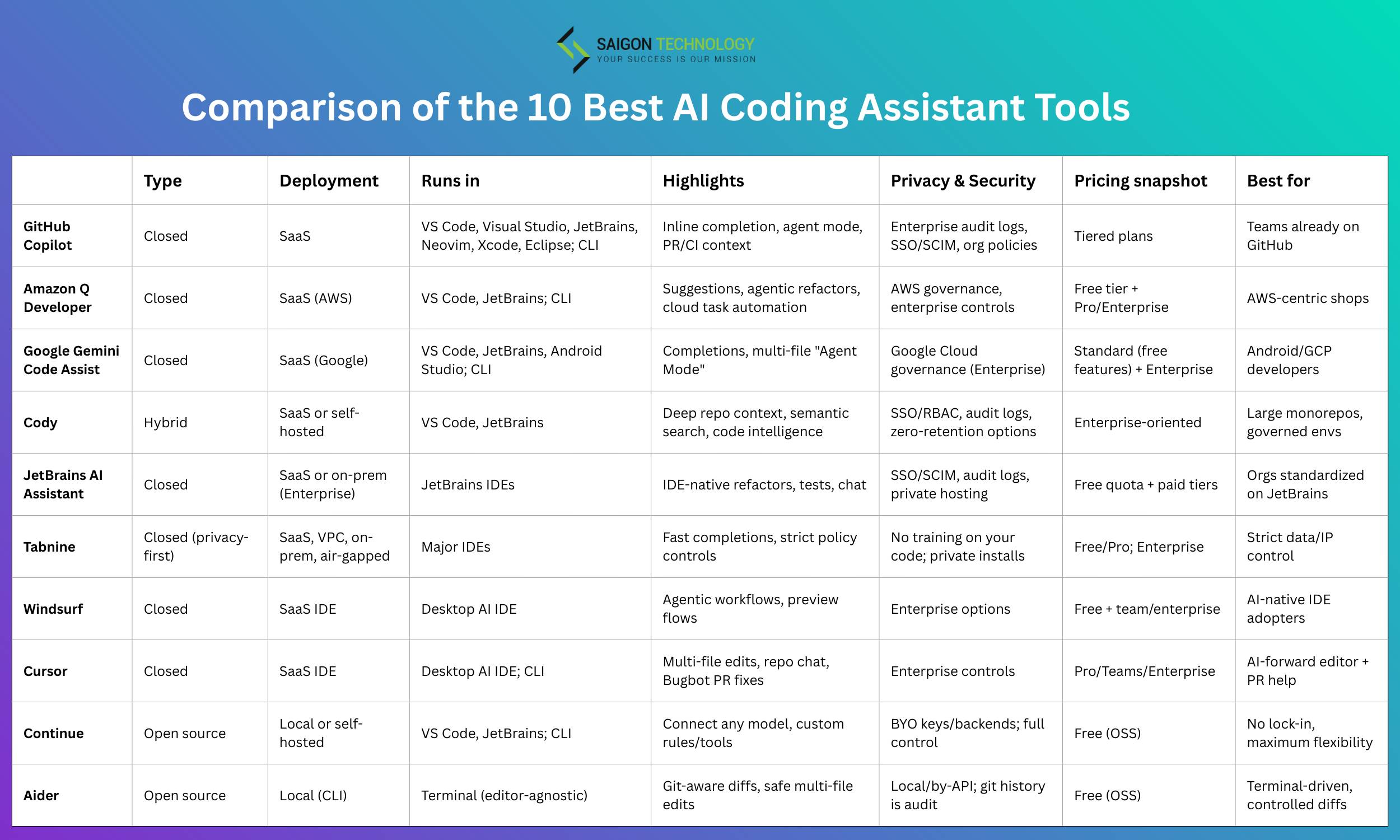
| Tool | IDE Integration | Language Support | Pricing Model |
|---|---|---|---|
| GitHub Copilot | VS Code, JetBrains, Visual Studio | Python, JavaScript, TypeScript, Java, C++, C# | Subscription |
| Amazon CodeWhisperer | VS Code, JetBrains, Visual Studio | Python, Java, JavaScript, TypeScript, C# | Free Tier / Subscription |
| Tabnine | VS Code, IntelliJ, Eclipse, Vim | Python, Java, JavaScript, C++, C#, Go | Free Tier / Subscription |
| Sourcery | VS Code, PyCharm | Python | Free Tier / Subscription |
| DeepCode | VS Code, GitHub | JavaScript, Python, TypeScript, Java | Subscription |
Integration depth
Deep IDE integration matters more than standalone accuracy. Tools like GitHub Copilot and Amazon CodeWhisperer embed directly into VS Code and JetBrains suites, allowing you to debug without switching contexts. This reduces cognitive load and keeps your focus on the code. Standalone web-based debuggers often require copying and pasting code snippets, which breaks flow and slows down the review process.
Language support
Not all AI debuggers support your stack equally. If you work primarily in Python, Sourcery offers specialized refactoring and debugging suggestions. For multi-language teams, GitHub Copilot and Amazon CodeWhisperer provide broader coverage across Python, JavaScript, TypeScript, Java, and C++. Choose a tool that matches your primary languages to avoid generic, low-value suggestions.
Accuracy and false positives
AI debugging tools can generate false positives, flagging safe code as problematic. Look for tools with high precision rates and clear explanations for their suggestions. GitHub Copilot and Amazon CodeWhisperer have demonstrated strong accuracy in recent benchmarks, but always review AI suggestions before merging. Sourcery’s Python-specific focus allows for deeper, more accurate analysis within that ecosystem.


As an Amazon Associate, we may earn from qualifying purchases.
Integrating AI into your workflow
Adopting AI debugging tools requires a phased approach to maintain code quality without slowing down release cycles. Start by integrating static analysis plugins directly into your CI/CD pipeline. This allows tools like SonarQube or GitHub Copilot to flag syntax errors and potential logic flaws before they reach human reviewers. By catching low-hanging fruit automatically, your team can focus review efforts on architectural decisions and complex business logic rather than formatting nitpicks.
Once automated checks are stable, introduce AI pair-programming assistants during the active development phase. Tools like Cursor or Replit allow developers to debug in real-time, reducing the backlog of issues that typically pile up before a pull request is created. This shift-left strategy ensures that code entering the review stage is cleaner and more consistent, significantly reducing the cognitive load on senior engineers.
Finally, establish clear guardrails for AI-generated suggestions. Always require human verification for any code changes that touch critical security or payment logic. Use the AI as a force multiplier for efficiency, not as an autonomous decision-maker. This balanced approach ensures that automation accelerates your workflow while preserving the accuracy and integrity of your codebase.

Identify bottlenecks in your existing review process. Look for repetitive tasks that AI can automate, such as linting, type checking, or basic unit test generation. This baseline audit determines which tools will provide the highest immediate return on investment.
Integrate your chosen AI debugging tools into your continuous integration workflow. Set up automated triggers that run static analysis on every push. This ensures that code quality standards are enforced consistently across all branches without requiring manual intervention from reviewers.
Conduct workshops to demonstrate how to effectively use AI assistants. Focus on prompt engineering for debugging contexts and how to interpret AI suggestions critically. Ensure every developer understands the limitations of the tools to prevent over-reliance on automated fixes.
Track key metrics such as mean time to resolution (MTTR) and review turnaround time. Use this data to refine your tooling stack and adjust configuration thresholds. Continuous improvement ensures that your AI integration remains aligned with your team's evolving development practices.
Common questions about AI debugging
Is VS Code a debugging tool? Visual Studio Code is not a standalone debugger but a development environment with built-in support for JavaScript, TypeScript, and Node.js. It relies on the Visual Studio Marketplace for extensions that add debugging capabilities to other languages and runtimes. This makes it a flexible hub for AI-assisted code review rather than a single-purpose utility.
What are the four debugging techniques? Research identifies four core phases in professional debugging: observing the failure, locating the fault, fixing the fault, and verifying the fix. These steps form the foundation for any debugging workflow, whether manual or AI-assisted. Understanding these phases helps teams structure their review processes effectively.
How do AI tools improve code review? AI debugging tools automate the "locating the fault" phase by scanning codebases for patterns, syntax errors, and logic flaws. They provide immediate feedback, reducing the time developers spend on manual inspection. This allows teams to focus on complex logic and architectural decisions rather than routine syntax checks.

No comments yet. Be the first to share your thoughts!