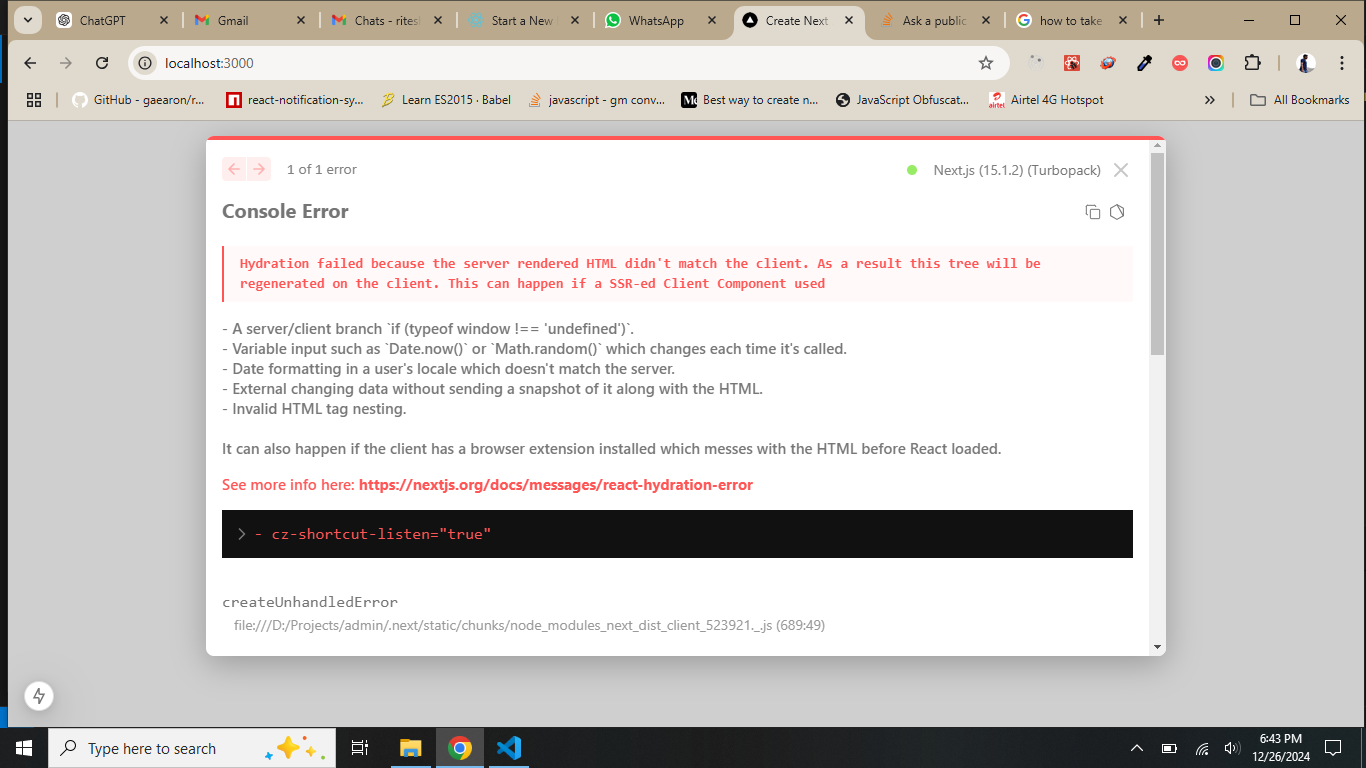
What are React hydration errors?
Hydration is the process where React takes the static HTML sent by the server and attaches event listeners to make it interactive. For this to work, the DOM structure generated in the browser must match the server's HTML exactly.
Hydration is essentially React attaching event listeners and making the pre-rendered HTML interactive. The goal is for the client-side React tree to perfectly match the HTML the server sent. If they don't match, you get a hydration error. It means React is trying to attach functionality to something that isn't where it expects it to be.
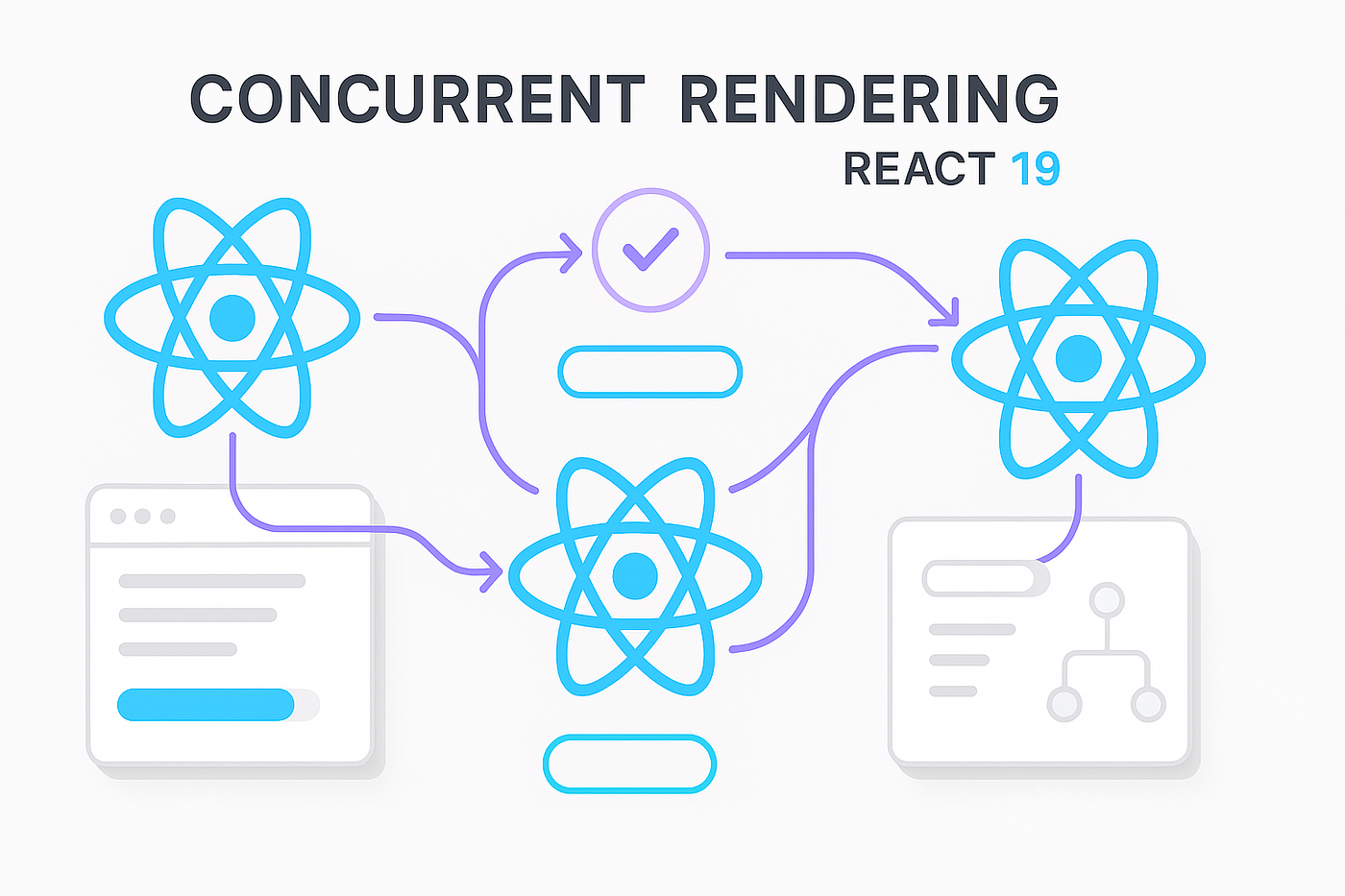
React 19 changed how the renderer handles mismatches during concurrent rendering. While the underlying causes of hydration failures remain the same—usually inconsistent data or browser-only APIs—the new version is less forgiving of DOM discrepancies that previous versions might have ignored.
Debugging these errors requires identifying where the server-side state diverges from the client-side state. Most issues occur because the code relies on environment-specific variables that don't exist during the initial server pass.
Common causes for server and client discrepancies
The vast majority of hydration errors stem from differences between the HTML the server renders and what React expects to find on the client. These differences can be subtle, which makes debugging tricky. One frequent culprit is extra or missing whitespace. HTML is surprisingly sensitive to this. A server might add extra spaces, while React doesn’t, leading to a mismatch.
Consider this: you have a component rendering `<div class=


No comments yet. Be the first to share your thoughts!