Why AI debugging matters now
We’ve all spent hours staring at a stack trace, guessing which line broke the build. It feels like searching for a needle in a haystack while wearing oven mitts. That era is ending. In 2026, AI debugging tools aren’t just about stepping through code line by line; they’re about understanding intent. Instead of manually tracing variables, these tools analyze your entire codebase to pinpoint root causes before you even run the test.
This shift from manual stepping to AI-assisted root cause analysis is critical for modern IDEs. Developers are no longer just looking for syntax errors; they are looking for logic flaws that slip through unit tests. The best AI debugging tools integrate directly into your workflow, offering contextual fixes that match your coding style. This means less context switching and more time building features.
For anyone serious about shipping clean code, choosing the right AI debugging tool is as important as picking your editor. These recommendations focus on practical IDE integration and real-world problem-solving, not just theoretical capabilities. Let’s look at the five tools that are redefining how we fix bugs.
5 AI Debugging Tools for 2026: IDE Recommendations
Finding the right AI-powered debugger can feel overwhelming when every IDE claims to have the best solution. We cut through the noise by spotlighting five specific tools that integrate seamlessly into your existing workflow. Here is how they compare in practice.
1. JetBrains IntelliJ IDEA AI Assistant
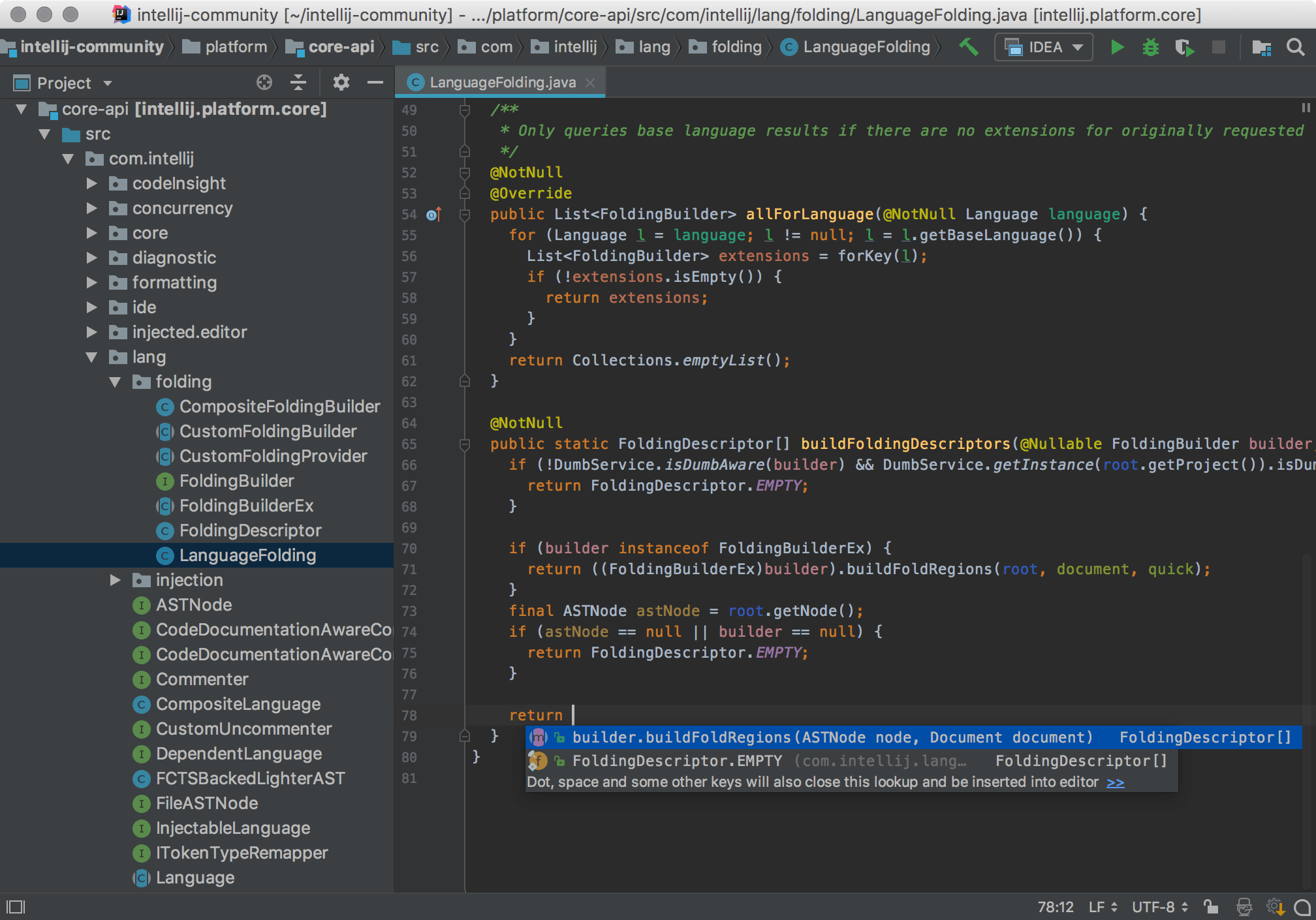
JetBrains integrates its AI assistant directly into the IntelliJ IDEA environment, offering context-aware code generation and refactoring. It understands your project structure deeply, allowing for precise bug fixes and intelligent completions that respect existing code patterns. This tight IDE integration makes it a powerful choice for Java and Kotlin developers seeking streamlined debugging workflows.
2. Visual Studio Code GitHub Copilot
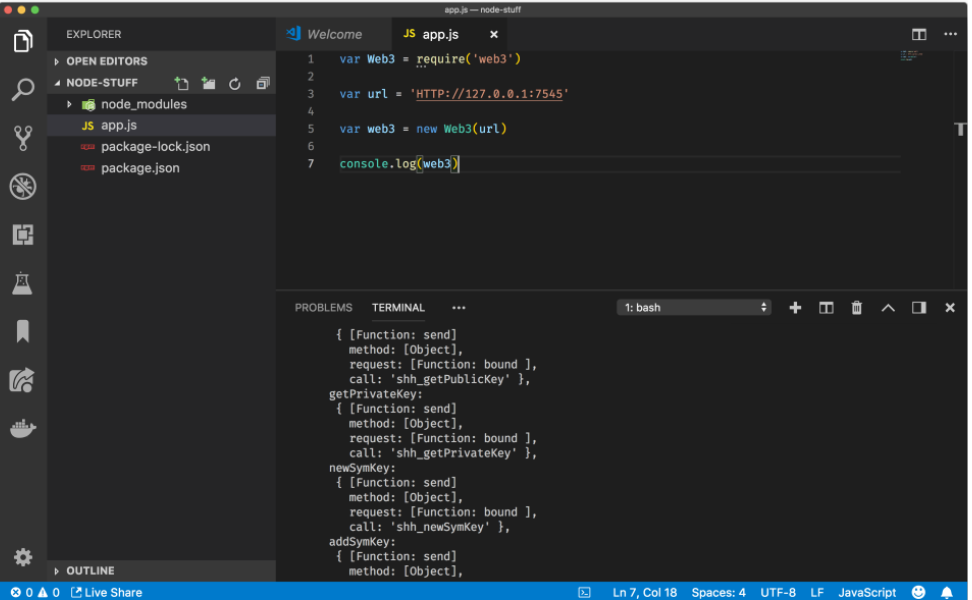
GitHub Copilot transforms Visual Studio Code into an intelligent coding partner, providing real-time suggestions and explanations. Its agent capabilities allow for autonomous debugging and testing within the VS Code interface. Developers can leverage these AI features to quickly identify errors, refactor complex functions, and accelerate the overall development cycle in a familiar editor.

3. Amazon CodeWhisperer IDE Integration
Amazon CodeWhisperer offers robust security scanning alongside code generation, integrated seamlessly into popular IDEs. It provides language-specific recommendations and automatically detects vulnerabilities in your codebase. This tool is particularly valuable for teams prioritizing security compliance, as it helps identify and fix potential issues before they reach production environments.
4. Tabnine AI Code Completion
Tabnine focuses on privacy and customization, offering AI code completion that can run locally. It adapts to your team's coding standards and style, ensuring consistent output across projects. This IDE-agnostic approach allows developers to maintain data sovereignty while still benefiting from advanced machine learning models that enhance productivity and reduce repetitive coding tasks.

5. Replit AI Pair Programmer
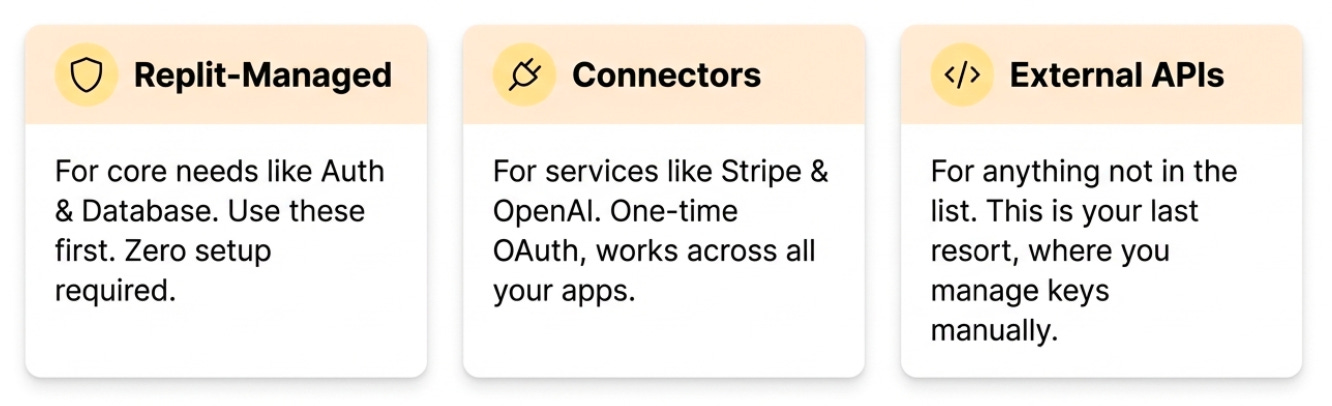
Replit’s AI pair programmer operates within a cloud-based IDE, enabling collaborative debugging and instant code execution. It assists with error resolution and provides contextual suggestions based on the entire codebase. This environment is ideal for rapid prototyping and learning, as it combines powerful AI assistance with an accessible, browser-based development platform.
How to choose the right IDE
Your AI debugging tool is only as good as the environment it lives in. Picking the right Integrated Development Environment (IDE) comes down to three practical checks: plugin support, language stack alignment, and your budget.
First, verify that the AI tool offers a native extension for your preferred editor. Visual Studio Code (VS Code) has the widest ecosystem, supporting plugins for tools like GitHub Copilot, Amazon CodeWhisperer, and Tabnine. If you work primarily in Java or enterprise backends, IntelliJ IDEA often provides deeper integration for specific AI assistants. Trying to force a tool into an unsupported IDE usually results in a clunky experience with laggy responses and broken syntax highlighting.
Second, ensure the AI model is trained on your specific stack. A Python-focused debugger will struggle with C++ memory leaks, just as a frontend AI might miss backend logic errors. Look for tools that explicitly mention support for your primary languages. Most modern AI assistants allow you to index your local project files, which helps them understand your codebase context better.
Finally, consider the cost. Many AI tools offer free tiers with limited completions, which may suffice for solo projects. For teams or heavy users, paid plans often include more advanced features like code generation or larger context windows. Check the pricing page directly, as costs vary by usage volume.


As an Amazon Associate, we may earn from qualifying purchases.
Choosing the right IDE is about reducing friction. When your editor and AI tool speak the same language, debugging becomes less about fighting the interface and more about fixing the code.
Common debugging pitfalls to avoid
Even the smartest AI coding assistants can mislead you. When you rely too heavily on suggestions from tools like GitHub Copilot or Cursor without reading the output, you risk introducing subtle bugs that are harder to find than the original issue. AI predicts the next likely token, not the correct logic for your specific context.
This is especially true in complex IDE environments. If you accept a generated function in VS Code or JetBrains Rider without understanding its dependencies, you might break existing features. Always treat AI output as a draft, not a final solution. Run your tests and manually review the code changes before committing them to your repository.
Human review remains the most effective debugging tool. Use AI to speed up routine tasks, but keep your critical thinking engaged for logic verification and security checks.

No comments yet. Be the first to share your thoughts!