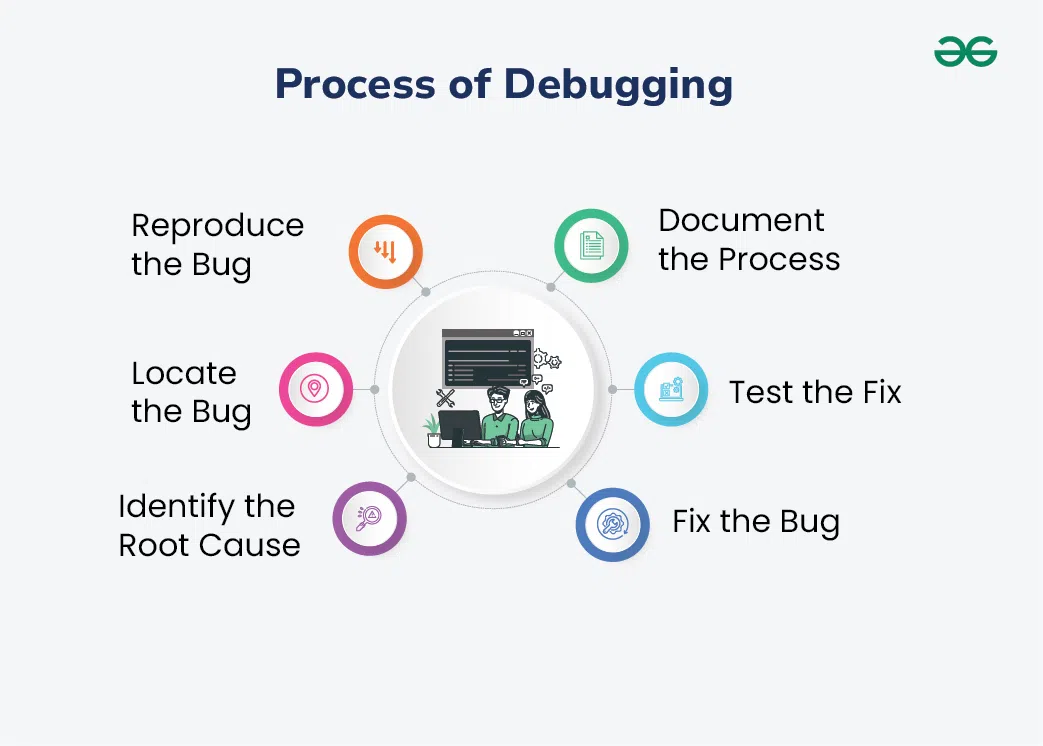
Why AI debugging matters now
For years, debugging felt like a game of hide-and-seek. We spent hours stepping through code line by line, hunting for the single variable that had gone rogue. It was tedious, error-prone, and often led to "debugger fatigue" where we missed the root cause simply because we were too tired to look carefully.
AI debugging tools change that dynamic by shifting the focus from manual stepping to automated root cause analysis. Instead of you doing the heavy lifting of tracing execution paths, these AI-powered assistants scan your codebase, identify anomalies, and suggest fixes based on patterns they've learned from millions of repositories. It’s less like flipping through a phone book and more like having a senior engineer glance at your screen and point directly to the bug.
This shift isn't just about speed; it's about accuracy. Modern workflows in 2026 generate complex, interconnected code that is difficult for a human to hold in their head all at once. AI tools provide the context awareness needed to catch subtle logic errors or security vulnerabilities that manual reviews often overlook. By automating the detection phase, you can focus your energy on architecture and feature development rather than chasing ghosts in the machine.
5 AI Debugging Tools to Automate Code Review in 2026
Code review shouldn't feel like a bottleneck. These five AI-powered tools automate the heavy lifting, catching bugs and suggesting fixes so you can focus on building. Here are the best options for streamlining your workflow in 2026.
-
GitHub Copilot for inline fixes
GitHub Copilot integrates directly into your editor, offering AI-powered inline suggestions that help resolve syntax errors and logical bugs as you type. It analyzes the surrounding context to propose corrections instantly, reducing the need to switch tabs for documentation. This real-time assistance streamlines the debugging workflow, allowing developers to maintain focus while catching common mistakes before they compound into larger issues. -
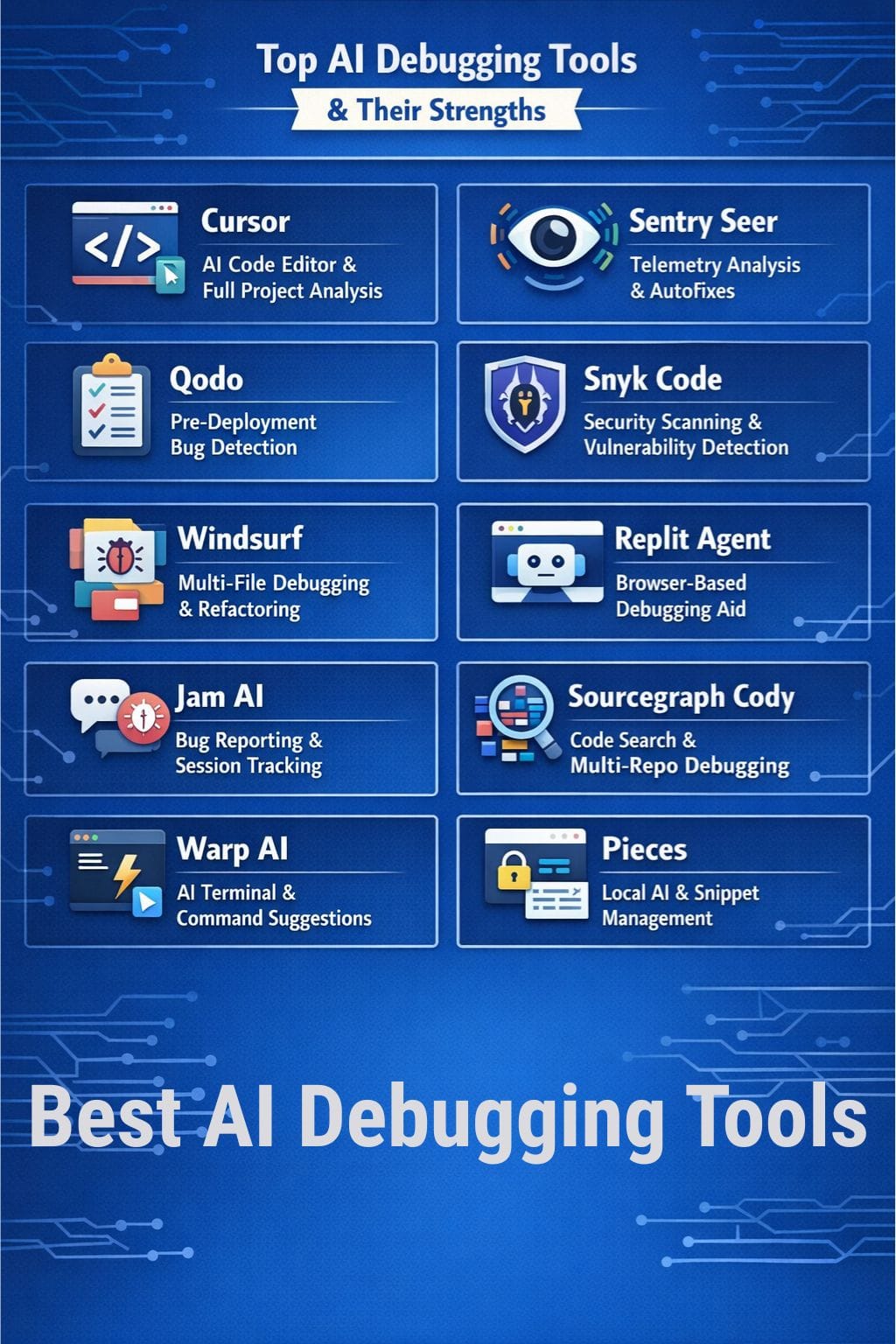
Sentry for automated error tracking
Sentry captures runtime errors across your application, automatically grouping similar exceptions to help you identify patterns in production failures. Its AI-powered analysis highlights the root cause of crashes, providing stack traces and context that accelerate troubleshooting. By monitoring performance metrics alongside errors, teams can prioritize fixes based on user impact, ensuring critical bugs are addressed before they affect more users. -
SonarQube for static code analysis
SonarQube performs deep static code analysis to detect bugs, vulnerabilities, and code smells before deployment. Its AI-powered engine reviews your codebase against industry standards, offering actionable recommendations to improve quality and security. By integrating into your CI/CD pipeline, it prevents technical debt from accumulating, ensuring that your code remains clean, maintainable, and free from common pitfalls that often lead to runtime errors. -

Chrome DevTools for frontend debugging
Chrome DevTools provides a comprehensive suite for inspecting and debugging frontend code, including network requests, DOM elements, and JavaScript execution. Its AI-powered features help identify performance bottlenecks and layout issues by visualizing resource loading and rendering timelines. Developers can interactively modify code and see changes in real-time, making it an essential tool for troubleshooting complex UI bugs and optimizing web application performance. -
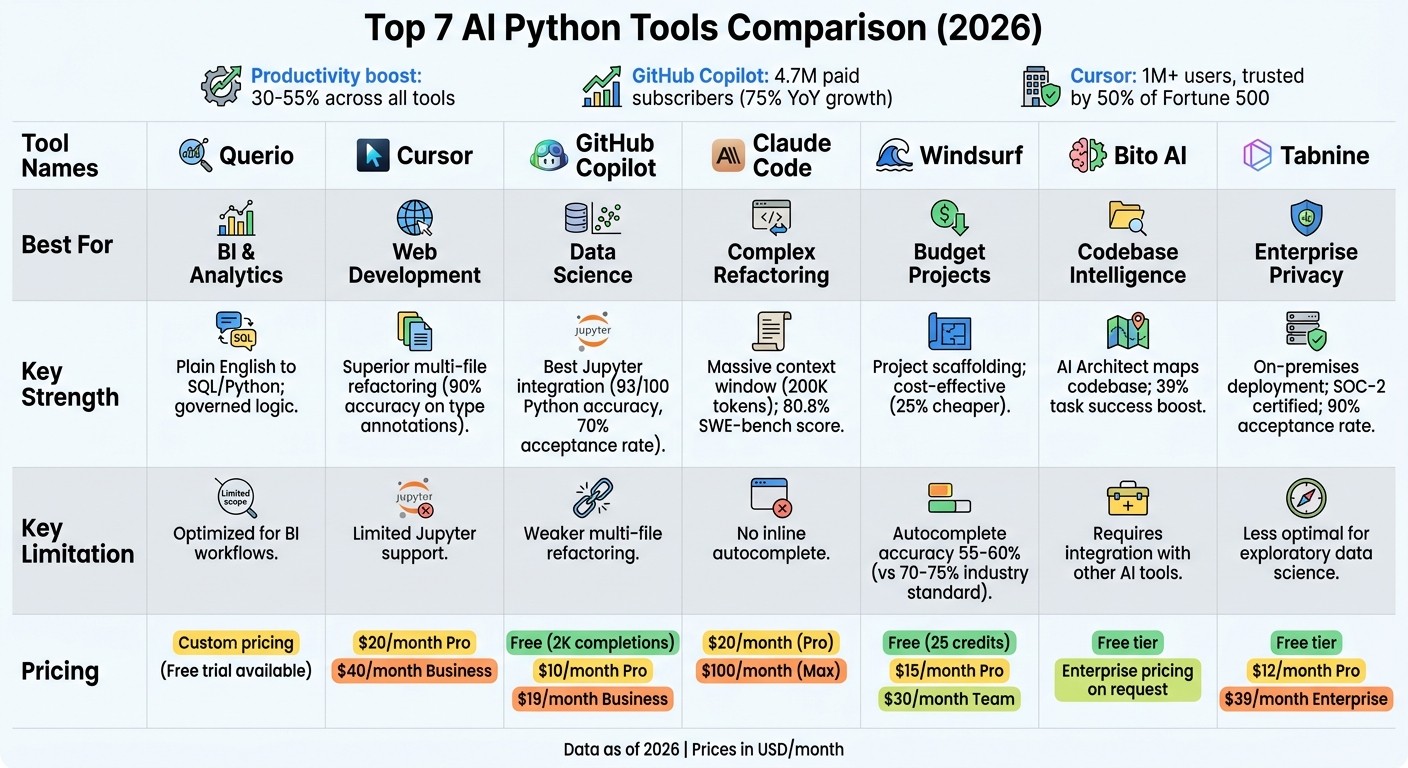
PyCharm for Python error handling
PyCharm offers intelligent code inspection and AI-powered error detection specifically tailored for Python development. It highlights syntax errors, type mismatches, and potential runtime exceptions as you write code, providing quick-fix suggestions to resolve issues immediately. With advanced debugging tools and integrated terminal support, PyCharm simplifies the process of identifying and fixing Python-specific bugs, enhancing productivity for developers working on complex data science or web applications.
Compare top debugging tools
Picking the right AI debugging tool depends on your stack and workflow. The options below highlight how five leading platforms handle code review, language support, and automation.
| Tool | AI Feature | Key Languages | Best Use Case |
|---|---|---|---|
| SonarQube | AI-powered bug detection | Java, JavaScript, Python | Enterprise code quality |
| DeepCode | ML-based logic errors | JS, Java, Python | Proactive security fixes |
| Visual Studio Code | Intelligent code completion | All major languages | General development |
| PyCharm | Smart refactoring AI | Python, Django | Python projects |
| Chrome DevTools | Performance profiling AI | JavaScript, HTML | Frontend debugging |
Each tool offers a different angle on automation. SonarQube focuses on continuous quality, while DeepCode uses machine learning to catch logic errors before they hit production. VS Code and PyCharm integrate AI directly into the editor for seamless refactoring. Chrome DevTools remains the go-to for frontend performance issues.

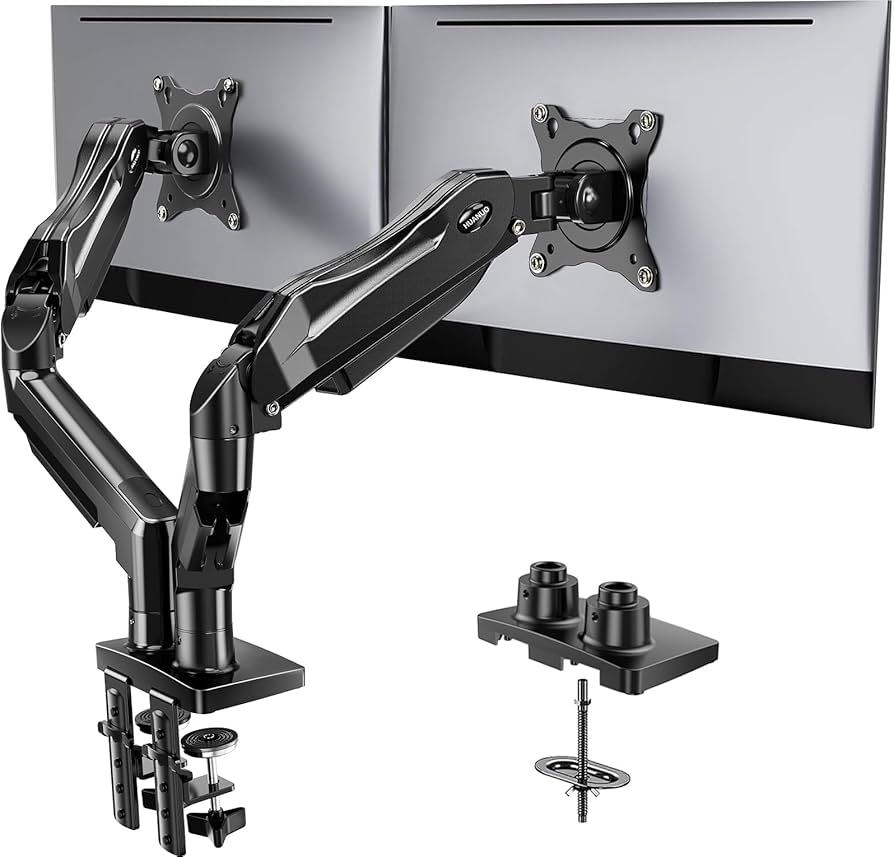
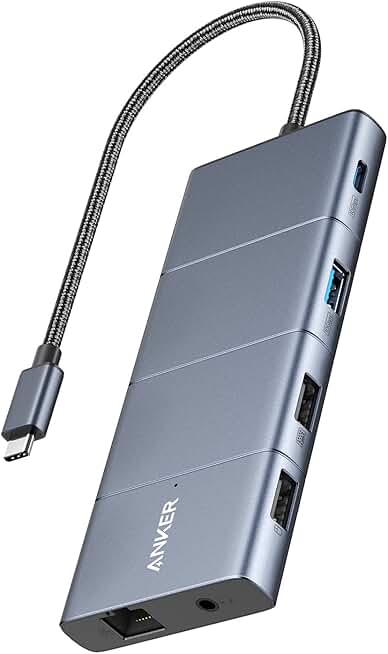
As an Amazon Associate, we may earn from qualifying purchases.
Which debugger is best for beginners?
For developers just starting out, VS Code and Chrome DevTools are the most accessible choices. They offer friendly visual interfaces that make stepping through code less intimidating than command-line tools like GDB.
These platforms shine in 2026 because they integrate AI-powered suggestions directly into the editor. Instead of manually hunting for syntax errors, the debugger can highlight issues and suggest fixes in real-time. This support helps beginners understand not just what went wrong, but why.
While CLI tools are powerful, the visual feedback and AI assistance in VS Code provide a safer learning environment. You can inspect variables and watch your code execute line-by-line without needing to memorize complex terminal commands.

No comments yet. Be the first to share your thoughts!