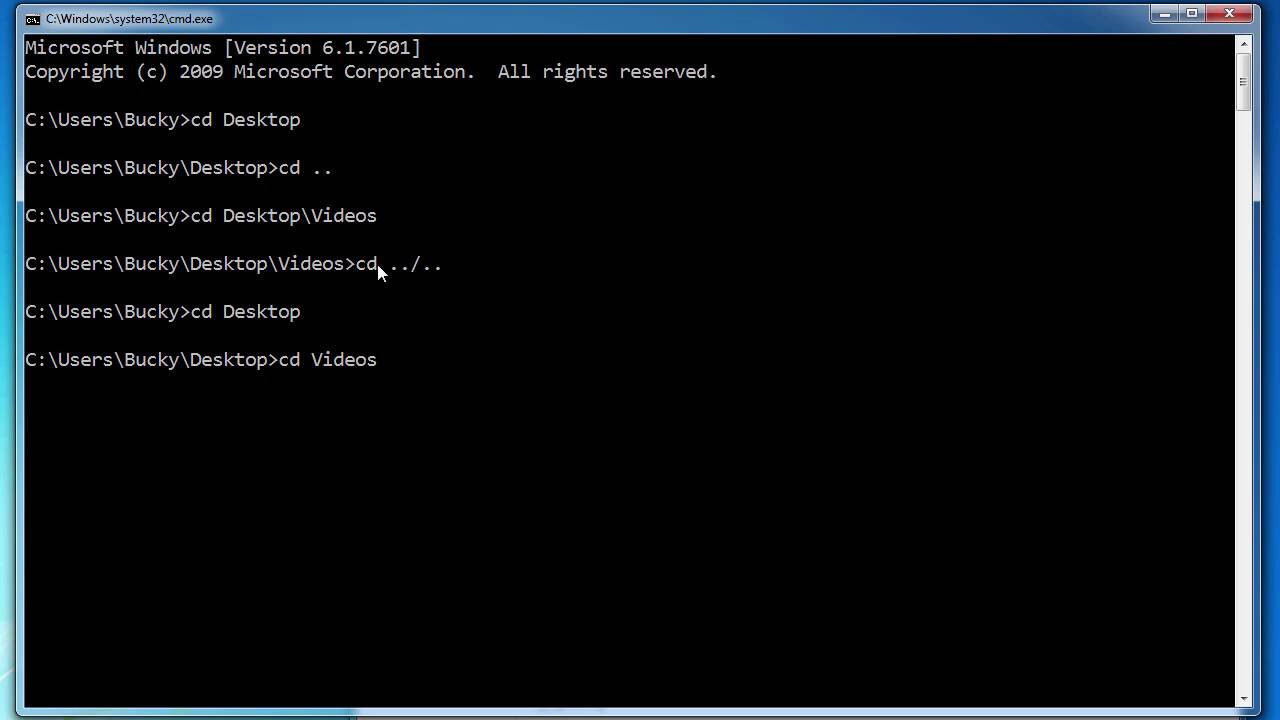
Why AI changes debugging workflows
Debugging used to be a game of chance. You spotted an error, guessed where it might be hiding, and spent hours chasing down the culprit. It was reactive, exhausting, and often wrong. AI debugging tools flip that script. Instead of hunting for errors after they break production, these tools proactively identify patterns and root causes before they ever reach your users.
Think of AI as a pair of eyes that never get tired. While you focus on building features, the AI scans your codebase for anomalies, suggesting fixes inline or highlighting potential bottlenecks. This shift from reactive error hunting to proactive pattern recognition doesn't just save time; it changes how you write code. You start writing with confidence, knowing the AI is watching for subtle mistakes you might miss.
This isn't about replacing the developer. It's about removing the friction. When tools like SonarQube or GitHub Copilot catch a logical error in the PR stage, you avoid the late-night panic. The workflow becomes smoother, faster, and significantly less stressful. That is why choosing the right AI debugging partner matters more than ever.

As an Amazon Associate, we may earn from qualifying purchases.
5 AI Debugging Tools for Faster Code Reviews
Code reviews shouldn't feel like a guessing game. These five tools use inline suggestions and root cause analysis to cut through the noise, helping you spot bugs faster and ship with confidence.
1. GitHub Copilot Chat
GitHub Copilot Chat acts like a tireless pair programmer sitting right beside you. It understands your codebase context to offer inline suggestions and answer complex questions about specific functions. This tool streamlines the debugging process by explaining errors in plain English, helping developers fix issues without leaving their integrated development environment.

2. Amazon CodeWhisperer
Amazon CodeWhisperer provides real-time security scans alongside its coding assistance. It identifies potential vulnerabilities and suggests secure code alternatives as you type. This dual focus on functionality and safety makes it an excellent choice for teams prioritizing robust, secure code reviews without slowing down the development workflow.
- Real-time security scans
- Vulnerability detection
- Secure code suggestions
3. Tabnine AI
Tabnine AI offers a fully customizable experience that can run locally for maximum privacy. It learns from your team’s codebase to provide highly relevant completions and refactoring suggestions. This localized approach ensures sensitive code never leaves your infrastructure while still delivering intelligent debugging support tailored to your specific project standards.

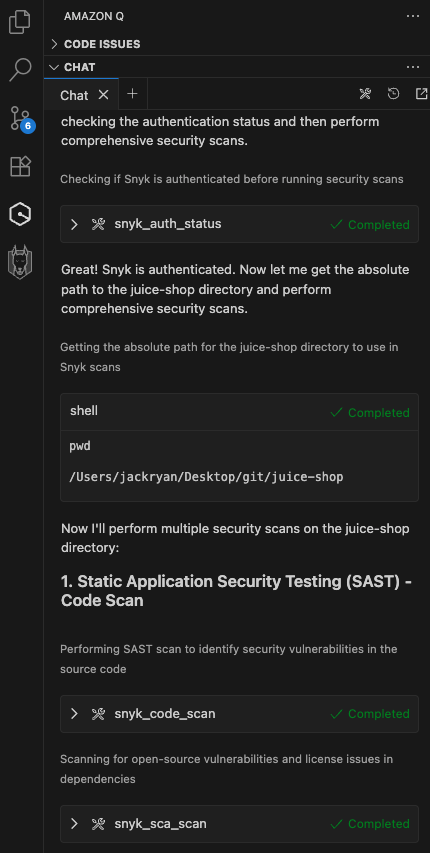
4. Snyk Code
Snyk Code integrates directly into your IDE to catch security flaws during the coding phase. It uses static analysis to identify vulnerabilities before they reach production. This proactive approach helps developers fix security issues early, reducing the burden on later code review stages and ensuring a cleaner, safer codebase from the start.
5. SonarQube AI
SonarQube AI provides comprehensive code quality analysis by detecting bugs, vulnerabilities, and code smells. It offers detailed reports and actionable recommendations to improve maintainability. This holistic view helps teams understand the overall health of their code, facilitating faster reviews by highlighting critical areas that need immediate attention or refactoring.

Choosing the right IDE for AI debugging
Your IDE is the cockpit for your debugging workflow. If the environment fights you, the AI tools can’t help. You need an editor that doesn’t just host plugins but understands the code structure well enough to offer inline suggestions and root cause analysis without lag.
Visual Studio Code remains the default for most developers because of its vast extension ecosystem. Tools like GitHub Copilot and Codeium integrate directly into the editor, allowing you to debug inline without switching contexts. It’s lightweight, customizable, and supports almost every language you might encounter.
For those working in larger, complex codebases, JetBrains IDEs like IntelliJ IDEA or PyCharm offer deeper semantic understanding. Their native AI assistants are trained on the specific project context, making their debugging suggestions more precise than generic language models. This integration feels less like a plugin and more like a built-in feature.
Don’t overlook specialized tools like Visual Studio for .NET or Xcode for Swift. If you are working in a specific ecosystem, the native debugger often provides superior performance and deeper integration with the platform’s specific AI capabilities. Match your IDE to your primary language to avoid friction.


As an Amazon Associate, we may earn from qualifying purchases.
Integrate AI into your code review workflow
Adding AI debugging tools to your peer review process changes how you catch bugs. Instead of relying solely on manual scanning, you use AI to highlight issues before they reach production. This approach speeds up code reviews and improves overall code quality.
Set up inline suggestions
Start by configuring your IDE to show inline suggestions. Tools like GitHub Copilot or Cursor can flag potential errors as you type. This immediate feedback helps you fix small issues before they become larger problems.
Use root cause analysis
When a bug appears, use AI-powered root cause analysis. Tools like Snyk or Datadog can trace the error back to its source. This saves time compared to manual debugging and helps you understand the underlying issue.
Verify AI suggestions
Before merging code, verify AI suggestions. AI tools can sometimes suggest incorrect fixes. Always review the changes to ensure they align with your project's standards and logic.
Check for security vulnerabilities
AI debugging tools often include security scanning. Use tools like SonarQube or Checkmarx to detect vulnerabilities. This step ensures your code is not only functional but also secure.
Automate repetitive checks
Automate repetitive checks using AI. Tools like Amazon CodeGuru can automatically review code for performance and security issues. This reduces the manual workload for your team and ensures consistent code quality.


As an Amazon Associate, we may earn from qualifying purchases.
Common questions about AI debugging tools
Developers often worry about the reliability and safety of automated code reviews. Here are the answers to the most frequent questions regarding accuracy, cost, and security.

No comments yet. Be the first to share your thoughts!