Why real-time tracking beats manual triage
Agile teams lose momentum when they rely on manual bug reporting. If a developer has to wait for a weekly triage meeting to hear about a production crash, the release cycle is already broken. We've seen these bottlenecks push back ship dates and burn out engineers who are stuck playing catch-up with old tickets.
The increasing complexity of software is further exacerbating this problem. Applications are no longer monolithic; they're distributed systems comprised of microservices, third-party integrations, and constantly evolving codebases. This complexity makes it harder to isolate bugs and understand their impact. Relying on outdated tools means teams spend more time finding the problem than fixing it.
2026 demands a more proactive approach. Real-time bug tracking isn’t simply about faster notifications; it's about creating a continuous feedback loop where developers are immediately alerted to issues, can quickly diagnose the root cause, and collaborate effectively to resolve them. This shift is driven by the need to reduce mean time to resolution (MTTR) and maintain a high velocity in agile development workflows. The tools available now are built for this new reality.
Alerts that don't cause fatigue
Effective real-time alerting is more than just sending an email when an error occurs. It’s about delivering the right information to the right people at the right time. Basic notifications quickly become noise, leading to alert fatigue and missed critical issues. Sophisticated tools allow for highly customizable alerts based on factors like severity, component, user impact, and assigned developer.
Consider a scenario where a critical error occurs in the payment processing module, impacting a significant number of users. A well-configured alerting system should immediately notify the on-call engineer responsible for that module via Slack, providing detailed information about the error, affected users, and potential impact. This targeted approach ensures a faster response and minimizes disruption.
Integration with communication platforms like Slack, Microsoft Teams, and PagerDuty is essential. These integrations allow developers to collaborate directly within their existing workflows, reducing context switching and improving efficiency. Proactive alerting – identifying potential issues before they impact users – is the ultimate goal, and requires advanced analytics and machine learning capabilities.
Real-Time Bug Tracking Tools: A Comparative Analysis for Agile Teams (2026)
| Tool | Real-Time Alerting | CI/CD Integration | Agile Support | Reporting & Analytics | Ease of Use |
|---|---|---|---|---|---|
| Sentry | Excellent | Strong | Good - supports issue assignment within sprints | Comprehensive, customizable dashboards | Moderate - steeper learning curve for advanced features |
| Bugsnag | Very Good | Solid - integrates with common pipelines | Good - Kanban/Scrum support | Detailed error grouping and trends | Good - user-friendly interface |
| Rollbar | Good | Good - well-documented integrations | Adequate - focuses on issue tracking | Strong focus on impact analysis | Moderate - can be complex to configure initially |
| Raygun | Very Good | Strong - integrates with popular platforms | Good - supports agile workflows | Robust error tracking and user context | Good - relatively easy to set up |
| Airbrake | Good | Moderate - requires some configuration | Adequate - basic project management | Good - provides actionable insights | Moderate - interface can feel dated |
| Honeybadger | Good | Good - integrates with common systems | Good - supports issue prioritization | Good - focuses on performance and errors | Good - simple and straightforward |
| TrackJS | Moderate | Moderate - relies on custom integrations | Adequate - basic workflow support | Good - session replay and user tracking | Good - easy to implement for front-end errors |
| Errbit | Good | Moderate - some integration effort required | Adequate - focuses on core error tracking | Basic reporting capabilities | Good - lightweight and simple |
Qualitative comparison based on the article research brief. Confirm current product details in the official docs before making implementation choices.
Agile Workflow Support: Kanban and Scrum
Bug tracking tools must actively support agile methodologies like Kanban and Scrum to be truly effective. Customizable workflows are essential, allowing teams to define their own stages for bug resolution, such as 'To Do,' 'In Progress,' 'Testing,' and 'Done.' These workflows should be visually represented on Kanban boards, providing a clear overview of bug status.
Integration with sprint planning tools is also crucial. Teams should be able to easily assign bugs to sprints and track progress towards sprint goals. Burndown charts, which visualize the remaining work in a sprint, can help teams identify potential roadblocks and adjust their plans accordingly. Jira Software is particularly strong in this area, offering dedicated Kanban boards and Scrum support.
Real-time visibility into bug status is paramount for agile teams. Everyone on the team needs to know the current state of every bug, and any changes to status should be immediately reflected on the Kanban board or in sprint reports. This transparency fosters collaboration and helps teams maintain a high velocity.
Where AI fits into the workflow
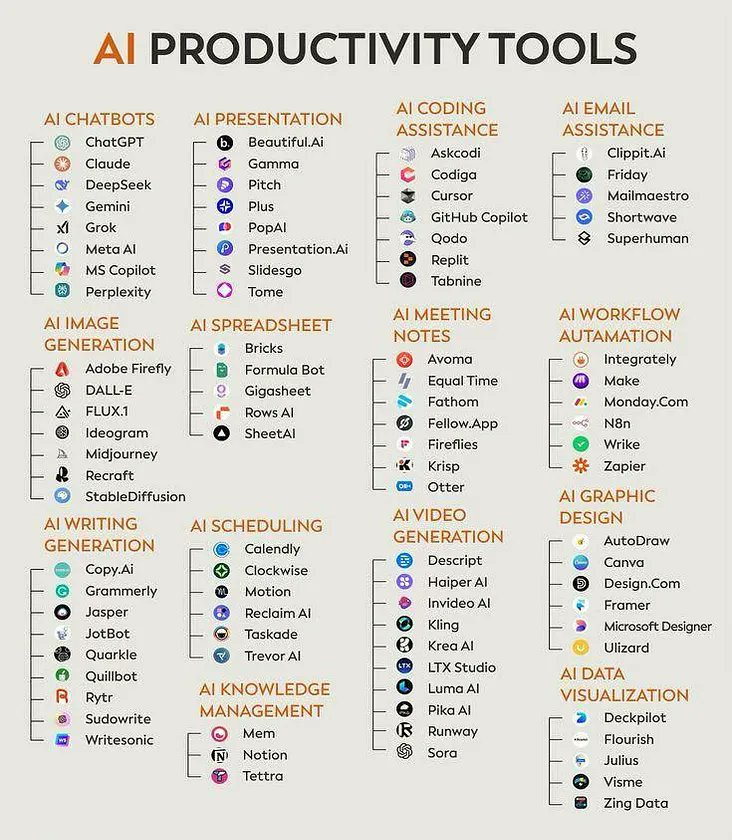
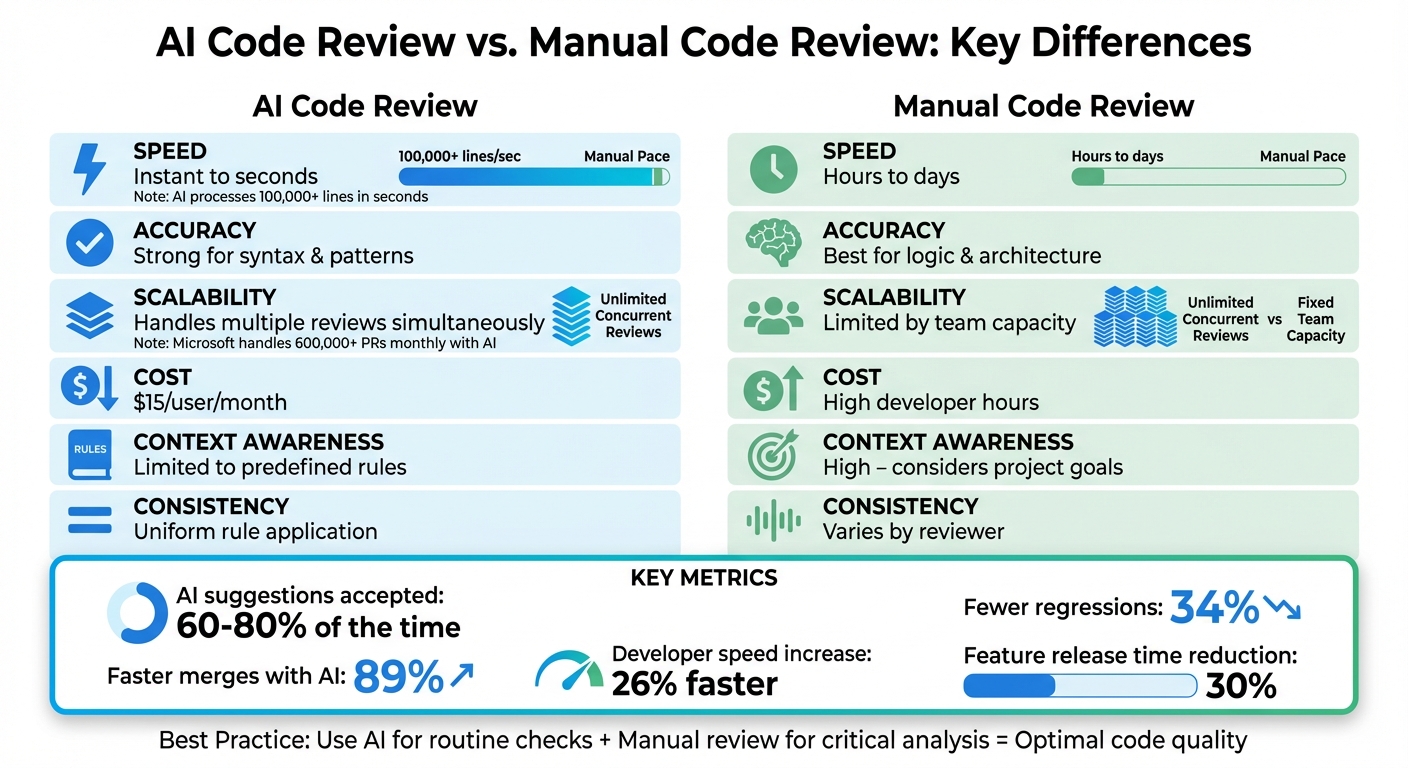
AI is beginning to play a significant role in bug analysis, offering the potential to automate tasks that were previously manual and time-consuming. AI-powered tools can automatically triage bugs, identifying duplicates and prioritizing issues based on severity and impact. They can also analyze code and logs to identify potential root causes, and even suggest potential fixes.
Sauce AI is trying to turn plain-English intent into executable tests. It's a fast way to build coverage, but the results aren't always perfect. You still have to check the logic. AI in this space is helpful for the first draft of a test, but it isn't a hands-off solution yet.
While AI can be a valuable assistant, it’s not a replacement for human expertise. Developers still need to review and validate the findings of AI-powered tools, and use their own judgment to make informed decisions. The best approach is to view AI as a complement to human intelligence, rather than a substitute.

No comments yet. Be the first to share your thoughts!