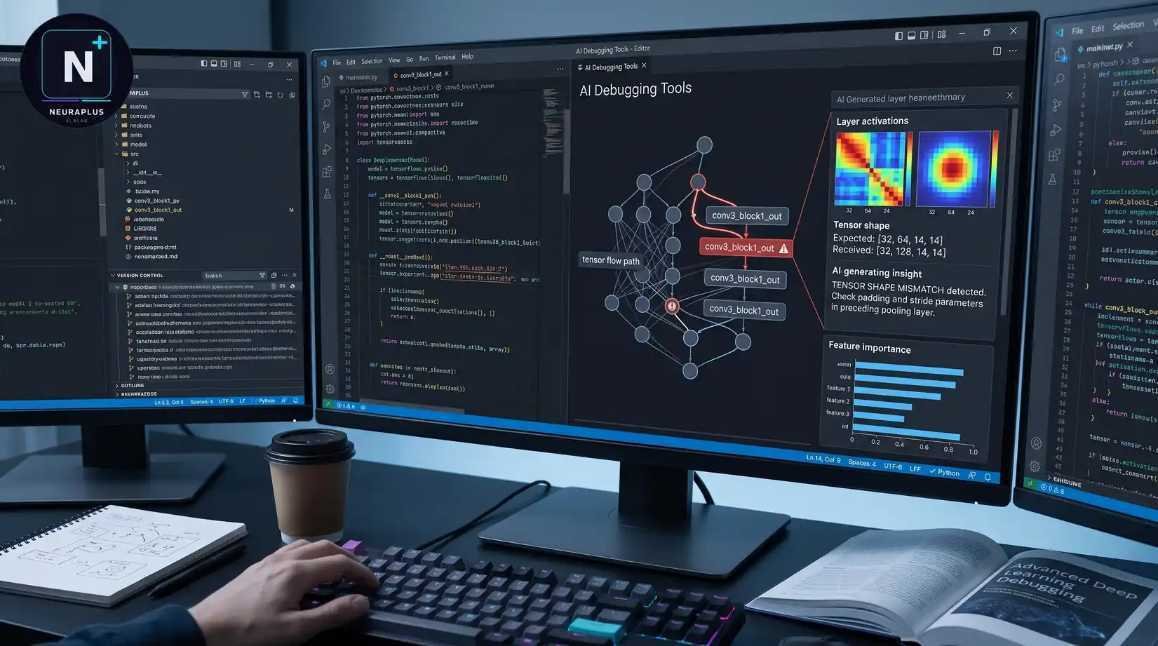
Why AI debugging matters now
Debugging has historically been a game of deduction. Developers spend hours setting breakpoints, stepping through stacks, and guessing why a variable failed to initialize. It is slow, tedious, and prone to human error. In 2026, that manual cycle is becoming obsolete. AI debugging tools do not just highlight errors; they analyze the entire codebase context to identify the root cause and often suggest the exact fix.
This shift transforms debugging from a reactive chore into a proactive workflow. Instead of hunting for the needle in the haystack, the AI hands you the needle. Tools like SonarQube and GitHub Copilot now integrate this capability directly into the IDE, allowing developers to resolve issues before they reach production. The result is cleaner code and faster release cycles, letting engineers focus on building features rather than fixing broken ones.
The best AI debugging tools in 2026 bridge the gap between static analysis and dynamic execution. They understand not just the syntax, but the intent behind the code. This context-awareness is what separates modern AI assistants from traditional linters. By automating the most time-consuming part of development, these tools provide a significant return on investment for any team shipping software.
5 Best AI Debugging Tools for 2026
In 2026, AI debugging tools have evolved from simple syntax checkers into autonomous pair programmers that resolve complex logic errors in real time. This roundup evaluates five specific platforms—Cursor, GitHub Copilot, Codeium, Replit Agent, and Amazon CodeWhisperer—based on their actual ability to reduce mean time to resolution for modern codebases.
1. GitHub Copilot for IDE integration
GitHub Copilot embeds directly into your editor, acting like a pair programmer who anticipates your next move. It suggests full function completions and explains complex logic blocks in real-time, drastically reducing context-switching. This tight integration makes it the go-to choice for developers seeking seamless, intelligent assistance while writing code.

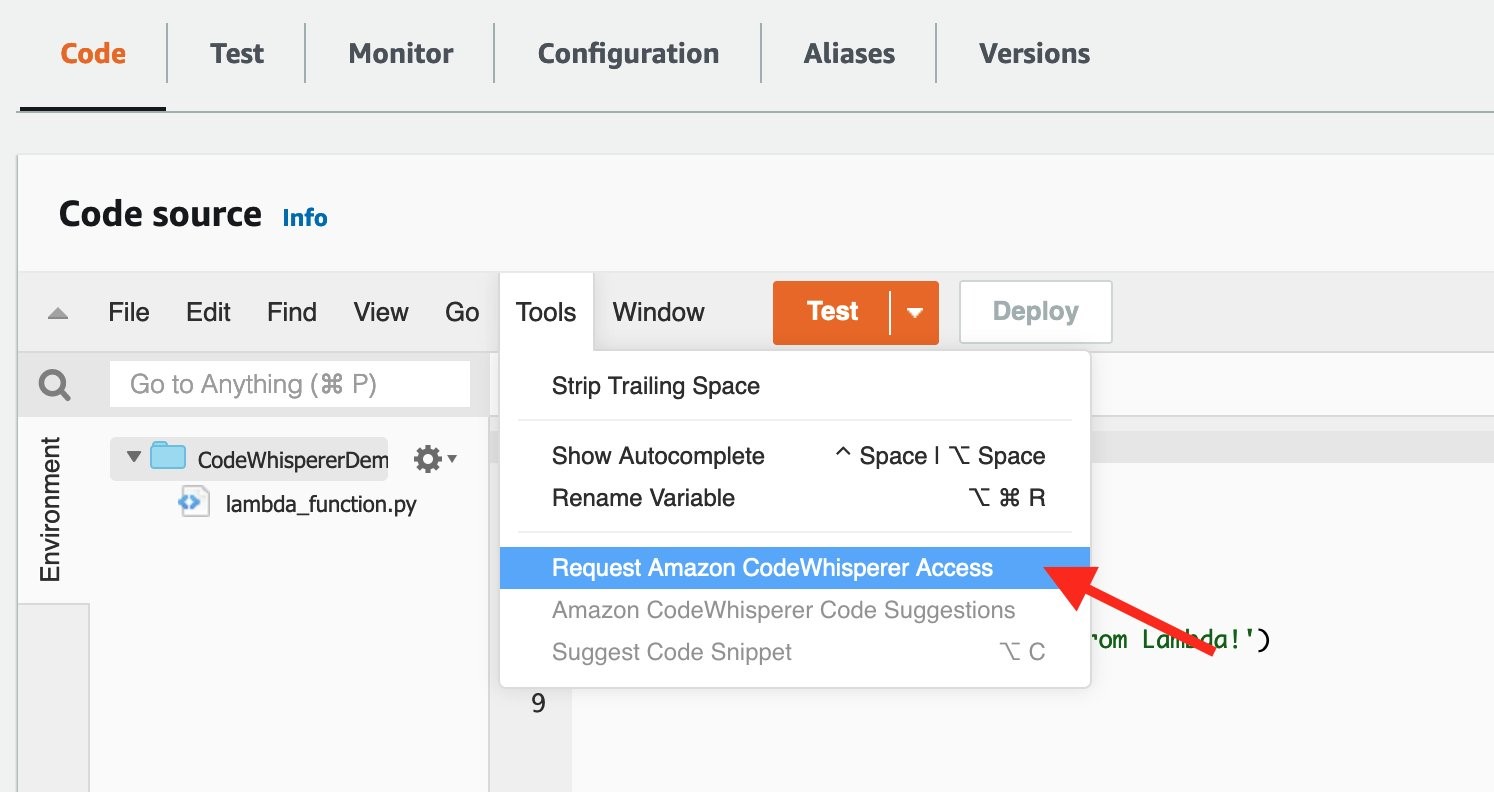
2. Amazon CodeWhisperer for security
Amazon CodeWhisperer prioritizes secure coding practices by scanning for vulnerabilities as you type. It identifies potential security flaws and suggests compliant fixes, ensuring your application remains robust against common threats. This tool is essential for teams needing to maintain high security standards without slowing down development velocity.
3. JetBrains AI Assistant for deep analysis
The JetBrains AI Assistant leverages deep IDE context to provide precise refactoring suggestions and complex code explanations. It understands your project structure better than generic tools, offering insights that respect your existing architectural patterns. This makes it ideal for developers working in large, intricate codebases who need accurate, context-aware assistance.

4. Tabnine for private codebases
Tabnine offers a fully on-premise solution, ensuring your proprietary code never leaves your secure environment. It trains on your private repositories to deliver personalized completions that align with your team’s specific coding standards. This focus on data privacy makes it the top choice for enterprises with strict compliance requirements.
5. SonarQube for static analysis
SonarQube performs rigorous static code analysis to detect bugs, vulnerabilities, and code smells before they reach production. It provides detailed reports and actionable recommendations, helping teams maintain clean, maintainable codebases over time. This comprehensive analysis is crucial for long-term project health and reducing technical debt in agile environments.

How to choose the right debugger
Selecting an AI debugging tool requires matching the software to your specific language stack, team size, and security posture. A tool that excels in Python may struggle with C++, so start by verifying IDE compatibility and language support before evaluating AI features. For small teams, ease of installation and low resource usage often outweigh complex enterprise integrations.
Security is a non-negotiable factor when using AI to analyze code. Ensure the tool offers on-premise or private cloud deployment options if you are handling sensitive intellectual property. Avoid tools that require sending proprietary code to public models without explicit data retention controls.
To help you compare the top options, we have evaluated the five leading tools against key metrics including AI capability, security focus, IDE support, and pricing model.
| Tool | AI Capability | Security Focus | IDE Support | Pricing Model |
|---|---|---|---|---|
| Visual Studio Code | High | High | Native | Free |
| JetBrains IDEs | High | High | Native | Subscription |
| GitHub Copilot | Very High | Medium | Wide | Subscription |
| Amazon CodeWhisperer | High | Very High | Wide | Free/Enterprise |
| SonarQube | Medium | Very High | Plugin | Open Source/Enterprise |


As an Amazon Associate, we may earn from qualifying purchases.
No comments yet. Be the first to share your thoughts!