Why AI debugging matters now
Traditional debugging relied on setting breakpoints, stepping through code line-by-line, and manually inspecting stack traces. This linear approach works for small scripts but collapses under the weight of modern microservices, distributed systems, and complex cloud architectures. Developers spend an average of 20% of their engineering time just hunting for the source of a bug, a metric that stifles innovation and delays product releases.
AI-powered debugging tools shift this paradigm from manual investigation to automated root cause analysis. Instead of sifting through thousands of log lines, these tools use machine learning to correlate events across services, identify anomalies, and suggest precise code patches. This isn't just about speed; it's about accuracy. AI models can detect patterns invisible to human reviewers, such as race conditions or memory leaks that only appear under specific load conditions.
Note: AI debugging tools reduce mean time to resolution (MTTR) by automating log analysis and suggesting code patches.
The result is a significant reduction in developer cognitive load. Engineers can focus on building new features rather than maintaining legacy code or chasing ghosts in the machine. As systems grow more complex, the ability to automatically diagnose and fix issues becomes not just a convenience, but a necessity for maintaining software reliability and velocity.
5 AI-Powered Debugging Tools for 2026
The 2026 debugging landscape demands precision, shifting from manual log analysis to autonomous code repair. This roundup highlights five specific AI-powered tools that integrate directly into modern development workflows, offering concrete solutions for rapid issue resolution.
1. GitHub Copilot Chat for inline code fixes
GitHub Copilot Chat integrates directly into your editor, allowing developers to highlight buggy code snippets and request immediate corrections. This inline capability reduces context switching by keeping the debugging conversation within the primary workspace. The tool analyzes the surrounding code structure to suggest precise syntax repairs, making it an essential companion for rapid iteration and minimizing manual error correction during complex development cycles.

2. Amazon CodeWhisperer security vulnerability scanning
Amazon CodeWhisperer goes beyond syntax correction by actively scanning code for security vulnerabilities in real-time. It identifies potential risks like SQL injection or exposed credentials as you type, offering secure code suggestions instantly. This proactive approach shifts security left, ensuring that applications are built with robust protection against common exploits without requiring separate, time-consuming security audits after development is complete.
3. JetBrains AI Assistant context-aware refactoring
The JetBrains AI Assistant excels in understanding deep project context to suggest intelligent refactoring opportunities. It analyzes variable usage and function dependencies across files to propose cleaner, more efficient code structures. This capability helps developers maintain code health by automating tedious cleanup tasks, ensuring that the codebase remains modular and readable even as the application grows in complexity and scale over time.
4. GitLab Duo AI merge conflict resolution
GitLab Duo AI streamlines the often painful process of resolving merge conflicts by analyzing conflicting code blocks. It suggests the most logical way to combine changes from different branches, preserving intended functionality while eliminating redundant or contradictory code. This automation significantly reduces the cognitive load on developers during collaborative workflows, allowing teams to merge changes faster and with greater confidence in the final output.
5. Replit AI agent automated error handling
Replit AI agent acts as an autonomous debugger that can identify runtime errors and implement fixes without direct human intervention. It monitors the execution environment, detects exceptions, and applies corrective code changes automatically. This hands-off approach is particularly valuable for rapid prototyping and learning environments, where immediate feedback loops accelerate development and reduce the frustration associated with debugging complex, dynamic applications.
How AI debugging tools compare on features and cost
Choosing the right AI-powered debugger depends on balancing automation depth with your team's budget. While some tools offer aggressive code-fixing capabilities, others focus on intelligent log analysis or performance profiling. The following table breaks down the core AI features and pricing structures of the leading options to help you evaluate value.
| Tool | Primary AI Feature | Pricing Model | Key Integration |
|---|---|---|---|
| GitHub Copilot Workspace | Automated debugging sessions | Subscription-based | GitHub & VS Code |
| JetBrains AI Assistant | Context-aware code fixes | Per-seat license | IntelliJ, PyCharm |
| Sentry AI | Error pattern prediction | Usage-based tiers | Sentry error tracking |
| Amazon CodeWhisperer | Security vulnerability scanning | Free tier & Pro plan | AWS Toolkit |
Most modern debugging tools have shifted from simple pattern matching to contextual understanding. This means they can suggest fixes based on your specific codebase architecture rather than generic stack traces. When comparing options, look for tools that integrate directly into your existing IDE workflow to minimize context switching.
Pricing models also vary significantly. Some providers charge per developer seat, which can scale quickly for large teams. Others use usage-based pricing tied to the number of AI requests or data processed. For smaller teams or individual developers, free tiers or limited plans often provide sufficient AI capabilities for routine debugging tasks.


As an Amazon Associate, we may earn from qualifying purchases.
How to choose the right tool
Selecting an AI debugging solution requires matching the tool’s language support and AI accuracy to your specific tech stack. A Python-heavy team needs different capabilities than one managing a complex C++ codebase.
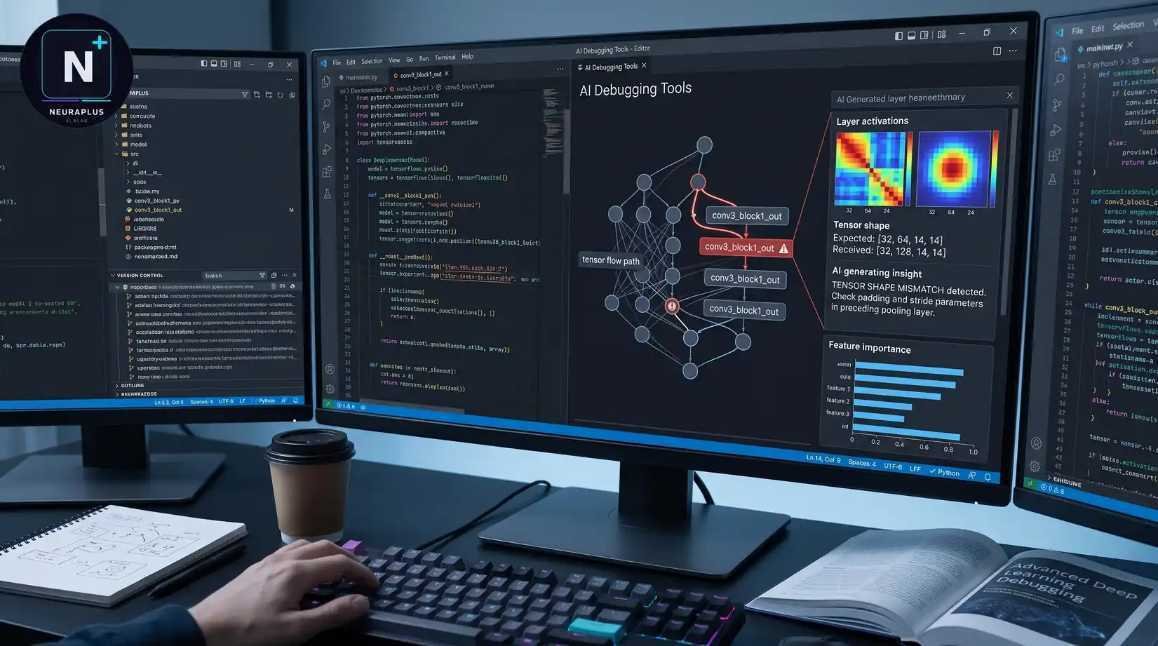
Prioritize tools that natively understand your primary languages. Visual Studio Code remains a reliable baseline for general-purpose debugging, while specialized IDEs like PyCharm offer deeper insights for specific ecosystems.

Look for tools that provide context-aware suggestions rather than generic fixes. High accuracy reduces the time spent verifying AI-generated code and prevents introducing new errors into your production environment.
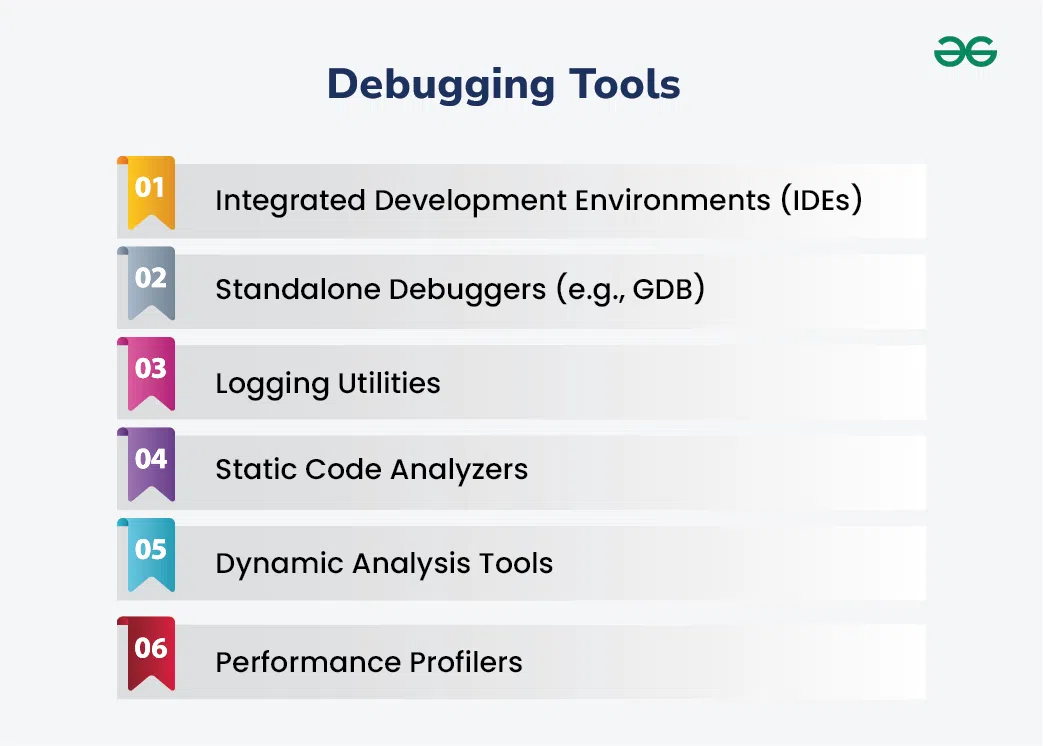
For larger teams, choose platforms that integrate with existing project management workflows. Shared dashboards and automated reporting help coordinate debugging efforts across multiple developers efficiently.
-
Verify language compatibility
-
Test AI suggestion accuracy
-
Check team collaboration features


As an Amazon Associate, we may earn from qualifying purchases.

No comments yet. Be the first to share your thoughts!