Why IDE choice matters now
Your Integrated Development Environment (IDE) is more than just a text editor; it is the command center for your entire development workflow. Choosing the right one directly impacts your coding speed, error reduction, and overall sanity. In 2026, with projects growing more complex, the difference between a sluggish setup and a streamlined one can mean hours saved every week.
The industry has largely coalesced around a few heavyweights that dominate the market. Visual Studio Code remains the industry standard for most development, praised for its versatility across languages and extensive plugin ecosystem. If you are working exclusively in Java, IntelliJ IDEA is often the go-to choice for its deep code analysis, while PyCharm offers smart Python code editing that catches issues before you run your scripts.
These tools do more than just highlight syntax. They provide context-aware completions, integrated debugging, and version control management that keep you in the flow state. Picking an IDE that matches your primary language stack reduces the friction of switching between tasks, allowing you to focus on solving problems rather than fighting your tools.
Visual Studio Code for general use
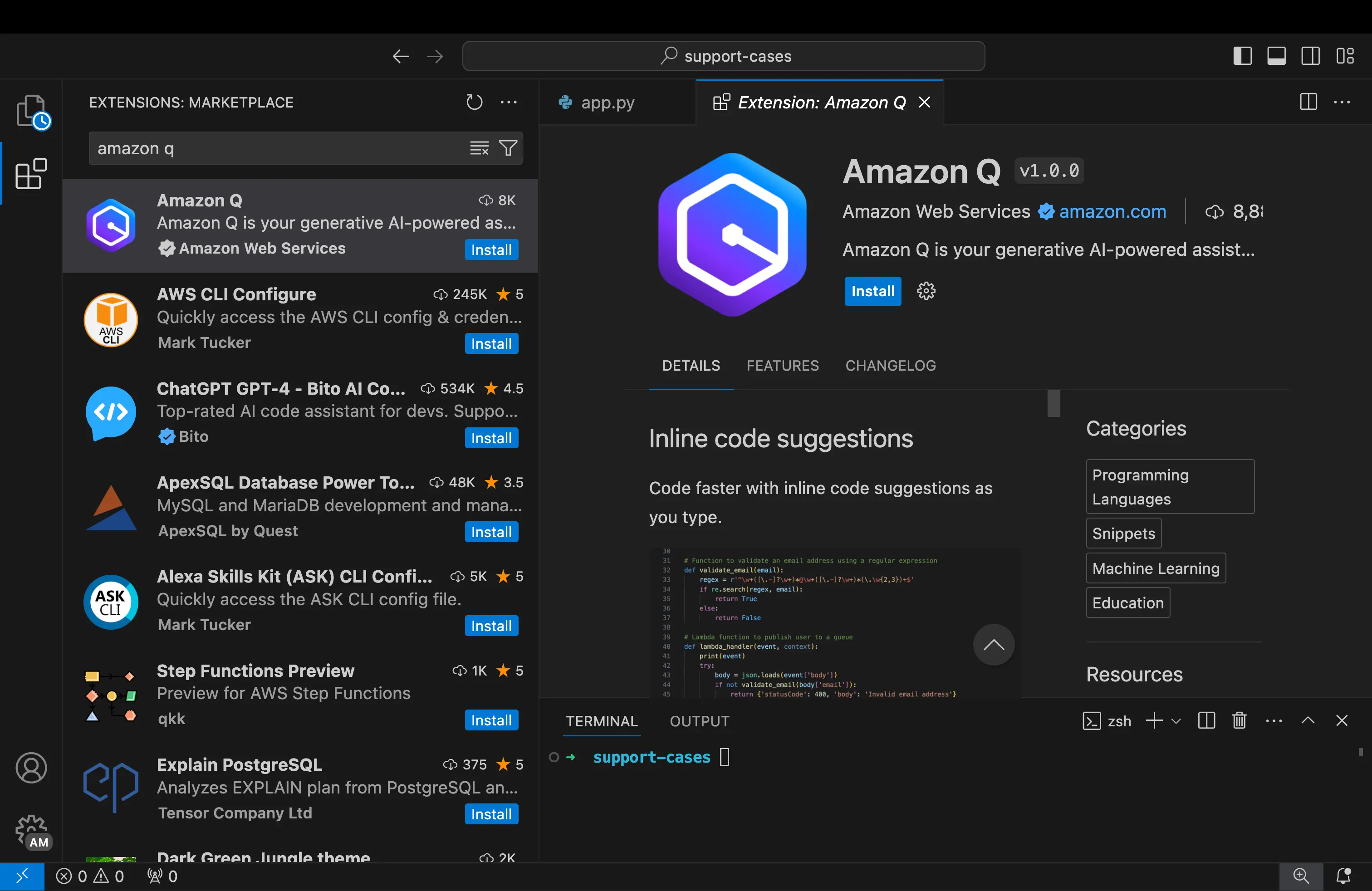
Visual Studio Code has become the industry standard for most development work today. Whether you are writing JavaScript, Python, or C++, it handles a wide variety of languages with ease. The editor is free, lightweight, and runs on Windows, Mac, and Linux, making it the go-to choice for developers who need one tool for many projects.
The secret to its popularity is the extension marketplace. You can install plugins for code completion, debugging, and version control with just a few clicks. This flexibility allows you to tailor the IDE to your specific workflow without the bloat of a heavier, specialized environment. It serves as a solid foundation for everything from quick scripts to large-scale applications.
While dedicated IDEs like IntelliJ IDEA or PyCharm offer deep features for specific languages, VS Code strikes a balance that appeals to both beginners and experienced engineers. It is one of the easiest editors to learn, yet powerful enough to handle complex tasks. For developers who value versatility and a massive community support system, it remains the top recommendation.


As an Amazon Associate, we may earn from qualifying purchases.
IntelliJ IDEA for Java and Kotlin
IntelliJ IDEA stands out as the top-choice IDE for Java and Kotlin development. Built by JetBrains, it prioritizes efficiency and intelligence, offering a developer experience that feels less like fighting a tool and more like collaborating with one. It is widely regarded as the gold standard for heavy Java workloads, from enterprise backends to Android applications.
The IDE’s intelligence is its defining feature. It provides context-aware code completion that predicts what you need before you finish typing. Refactoring tools are equally powerful, allowing you to safely rename variables, extract methods, or change class hierarchies across entire projects without breaking code. This depth of analysis helps catch errors early, saving hours of debugging time.
While the full Ultimate version requires a paid license, the free Community Edition is robust enough for most Java SE and basic Android development. For those needing advanced framework support (like Spring or Micronaut) or Kotlin language features, the Ultimate edition is the industry standard. Most developers find the investment worth it for the speed and reliability it brings to daily coding tasks.

As an Amazon Associate, we may earn from qualifying purchases.
PyCharm for Python development
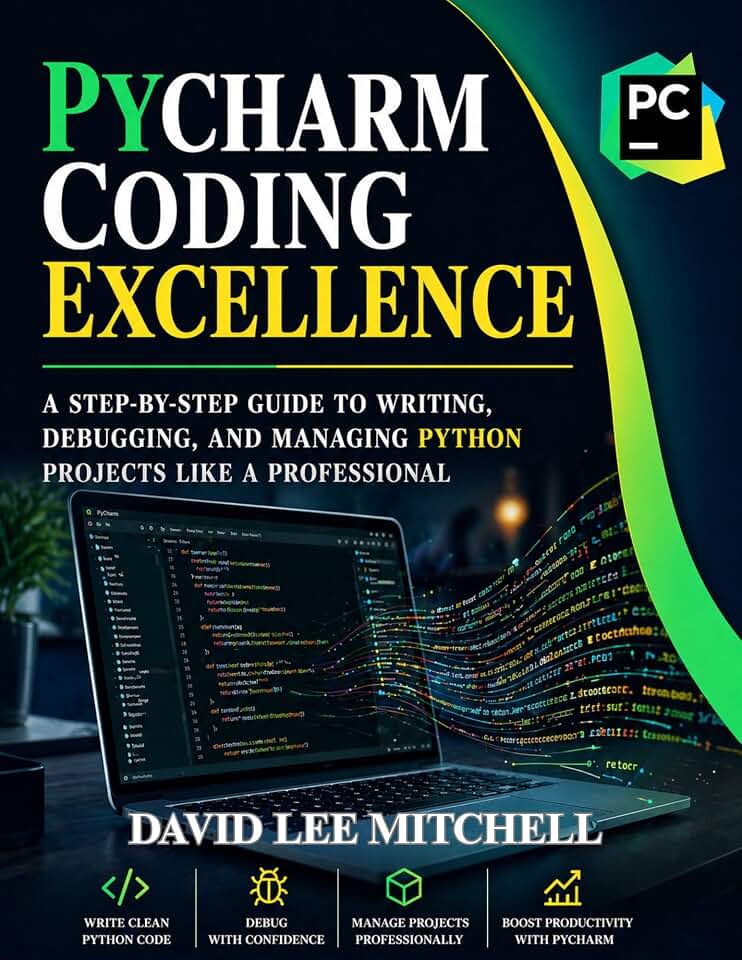
PyCharm is the specialized IDE built specifically for Python, making it the go-to choice for developers who want a tool that understands their language deeply. Unlike general-purpose editors, PyCharm provides intelligent code completion, refactoring, and error detection tailored to Python syntax and libraries right out of the box.
The debugger in PyCharm is particularly powerful. It allows you to inspect variables, evaluate expressions, and step through code with ease, which is invaluable when troubleshooting complex logic or data processing pipelines. For data scientists, the integrated Jupyter Notebook support means you can switch between script-based development and interactive exploration without leaving the IDE.
Whether you are building web applications with Django or Flask, or analyzing data with pandas, PyCharm offers dedicated plugins and features that streamline your workflow. The professional edition adds database tools and web development frameworks, but even the community edition is a robust starting point for most Python projects.
If you are looking to set up your Python development environment, here are some tools and kits that often pair well with your setup.


As an Amazon Associate, we may earn from qualifying purchases.
Compare top editors side by side
Picking the right tool can feel like choosing a pair of shoes—you need something that fits your specific workflow. To help you decide quickly, we’ve broken down the core differences between three of the most popular choices: Visual Studio Code, IntelliJ IDEA, and PyCharm.
This table highlights pricing, primary language focus, and the main strength of each editor. Visual Studio Code remains the most widely used option across platforms, while JetBrains tools offer deeper, language-specific intelligence.
| IDE | Pricing | Primary Language | Best For |
|---|---|---|---|
| Visual Studio Code | Free | JavaScript/TypeScript | General-purpose extensibility |
| IntelliJ IDEA | Free & Paid | Java | Deep Java/Kotlin support |
| PyCharm | Free & Paid | Python | Smart code editing |


As an Amazon Associate, we may earn from qualifying purchases.
Choosing the right IDE for your stack
Picking an IDE shouldn't feel like choosing a career path. The best tool depends entirely on what language you use and what you're building. Visual Studio Code has become the industry standard for general development, especially in JavaScript, but specialized editors often beat it for heavier, language-specific tasks. Think of your IDE as a workshop: you wouldn't use a Swiss Army knife to build a cabin, just as you wouldn't use a general-purpose editor for complex enterprise Java.
Here is how to match your stack to the right tool.

If you write Java, IntelliJ IDEA is the gold standard. It understands the entire codebase deeply, offering refactoring and navigation that generic editors can't match. For Python developers, PyCharm provides similar depth with smart code analysis and virtual environment management built right in. These tools are heavier, but they save hours of manual configuration.
Frameworks often dictate the best environment. Web developers building React or Vue apps usually prefer VS Code for its lightweight speed and massive extension ecosystem. Conversely, .NET developers find their workflow smoother in Visual Studio, which integrates tightly with Microsoft's cloud services and enterprise tools. Stick to the IDE your framework's community recommends.
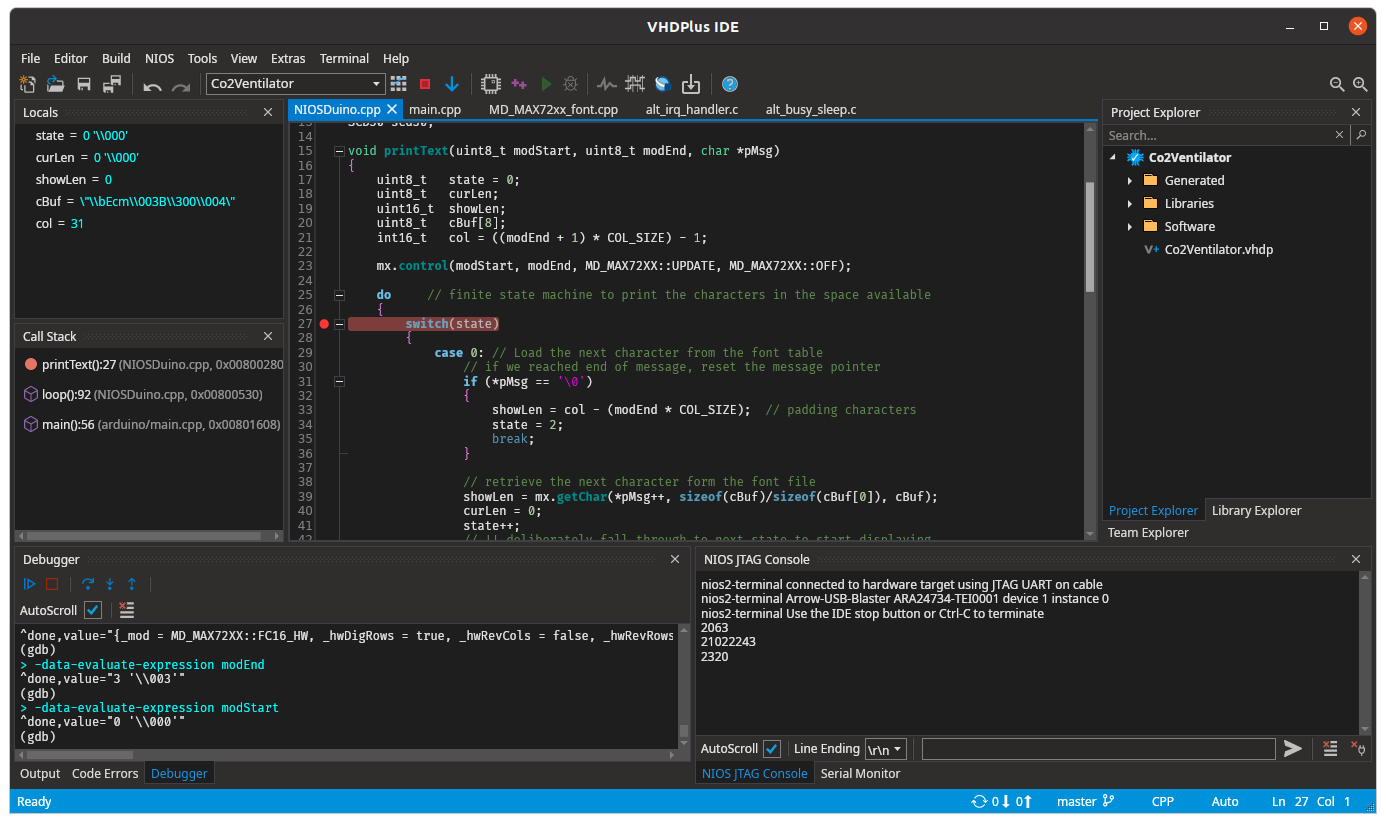
IDEs can be resource hogs. IntelliJ and Visual Studio are known to consume significant RAM, which might slow down older laptops. VS Code is generally lighter, but can still struggle with hundreds of open files. Try running the editor with your typical project open for an hour. If it lags, switch to a lighter alternative or optimize your settings before committing.


As an Amazon Associate, we may earn from qualifying purchases.
Common questions about IDEs
Choosing the right development environment can feel overwhelming when you are weighing features against cost and workflow. The following questions address the most frequent concerns developers have when selecting an IDE for their projects in 2026.


As an Amazon Associate, we may earn from qualifying purchases.

No comments yet. Be the first to share your thoughts!